"GX6605S Funcam Software 2025 – RS232 Upgrade, YouTube & TikTok Support"
The GX6605S Funcam New Software 2025 is finally here with powerful features and Funcam support. This update includes stylish 3D menu, YouTube, TikTok, Wi-Fi drivers and a complete RS232 recovery option. Scroll down to explore full details with screenshots, videos, and download links.
🌟 Features:
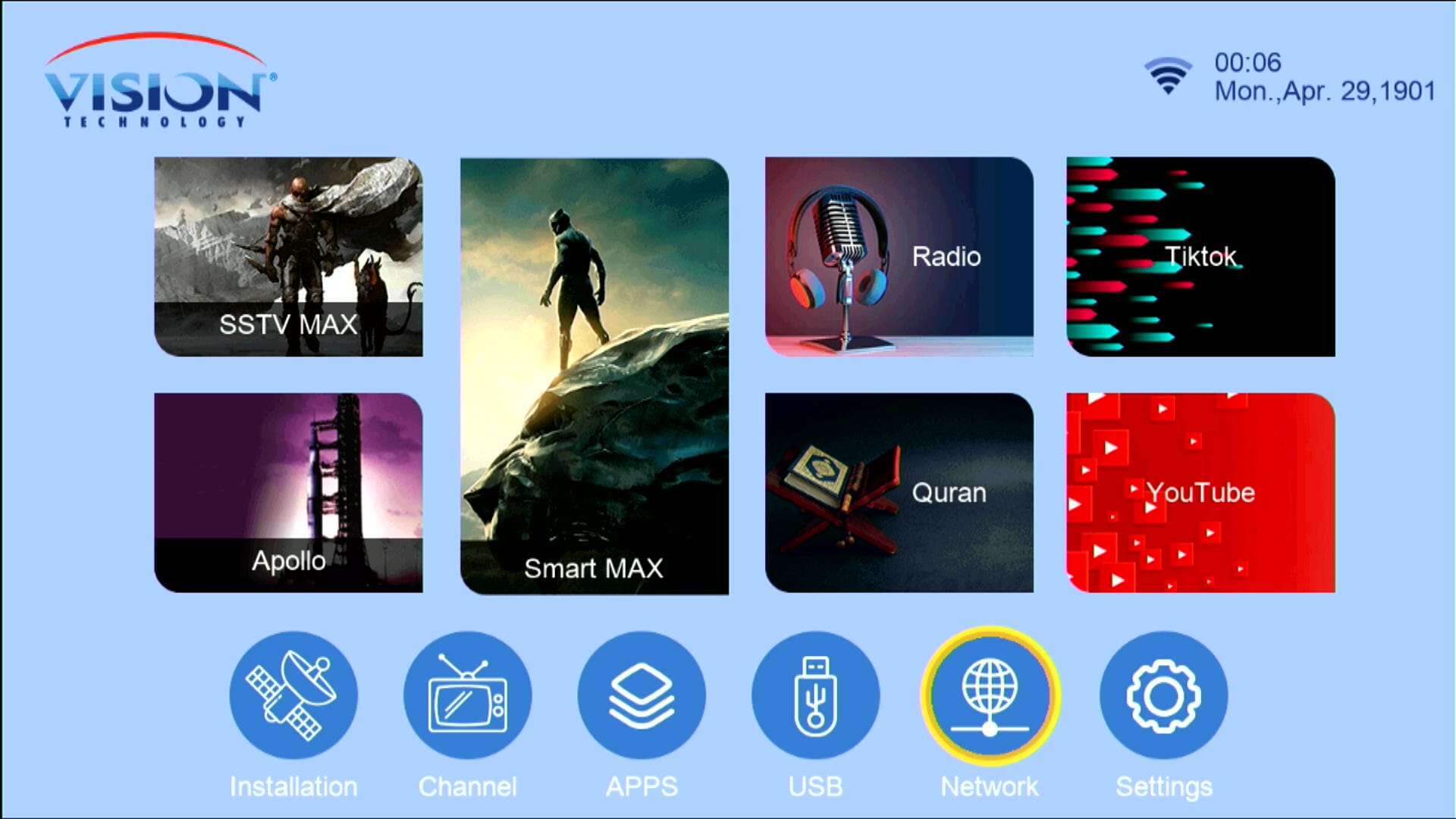 ✅ Stylish Main Menu Icons with Channel Logos
Modern icons + channel logos make navigation faster and attractive — 3D-ish menu look included.
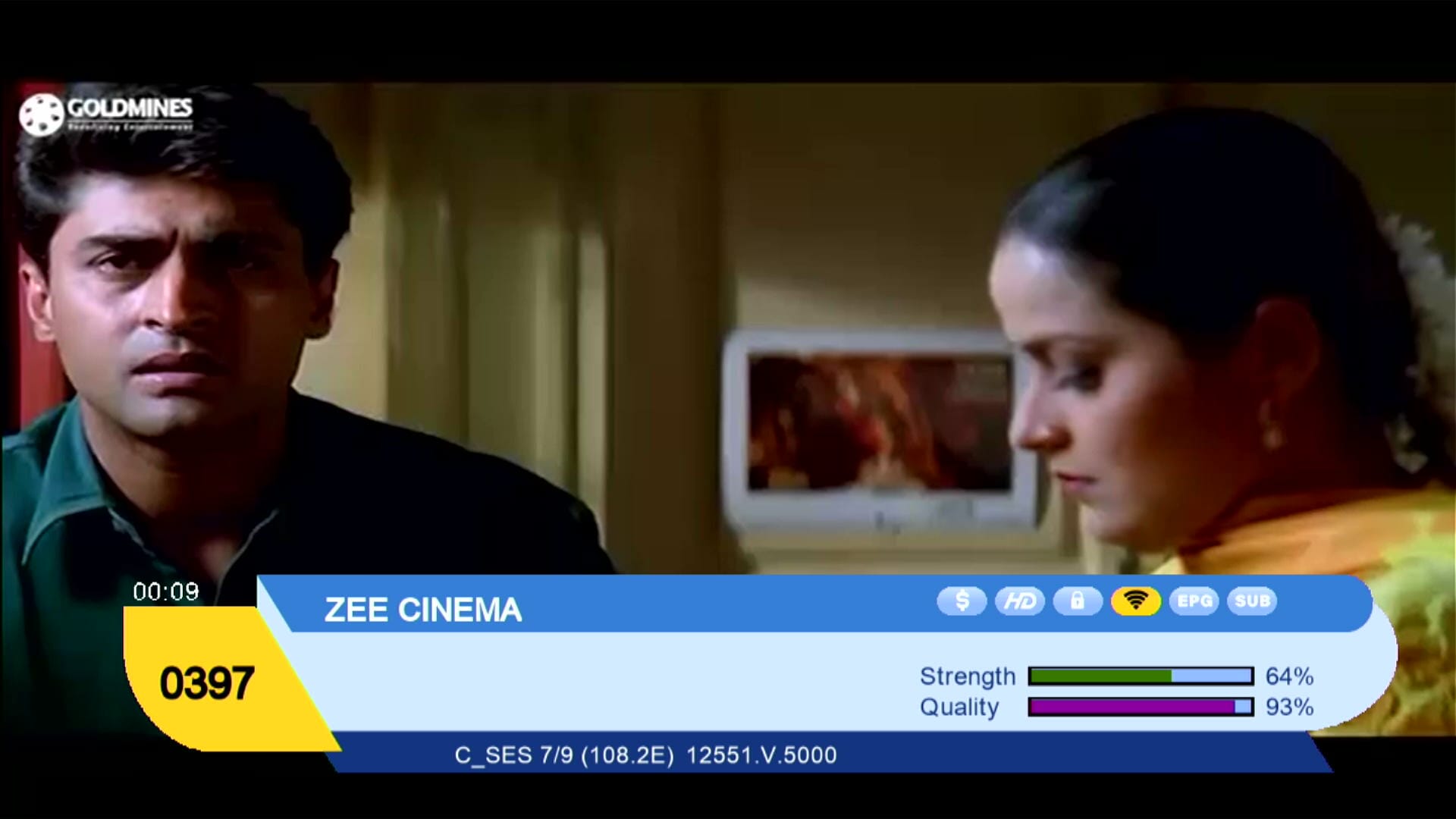
 ✅ Funcam Stable Account Support
Funcam accounts work reliably — add your credentials and enjoy stable decryption where supported.
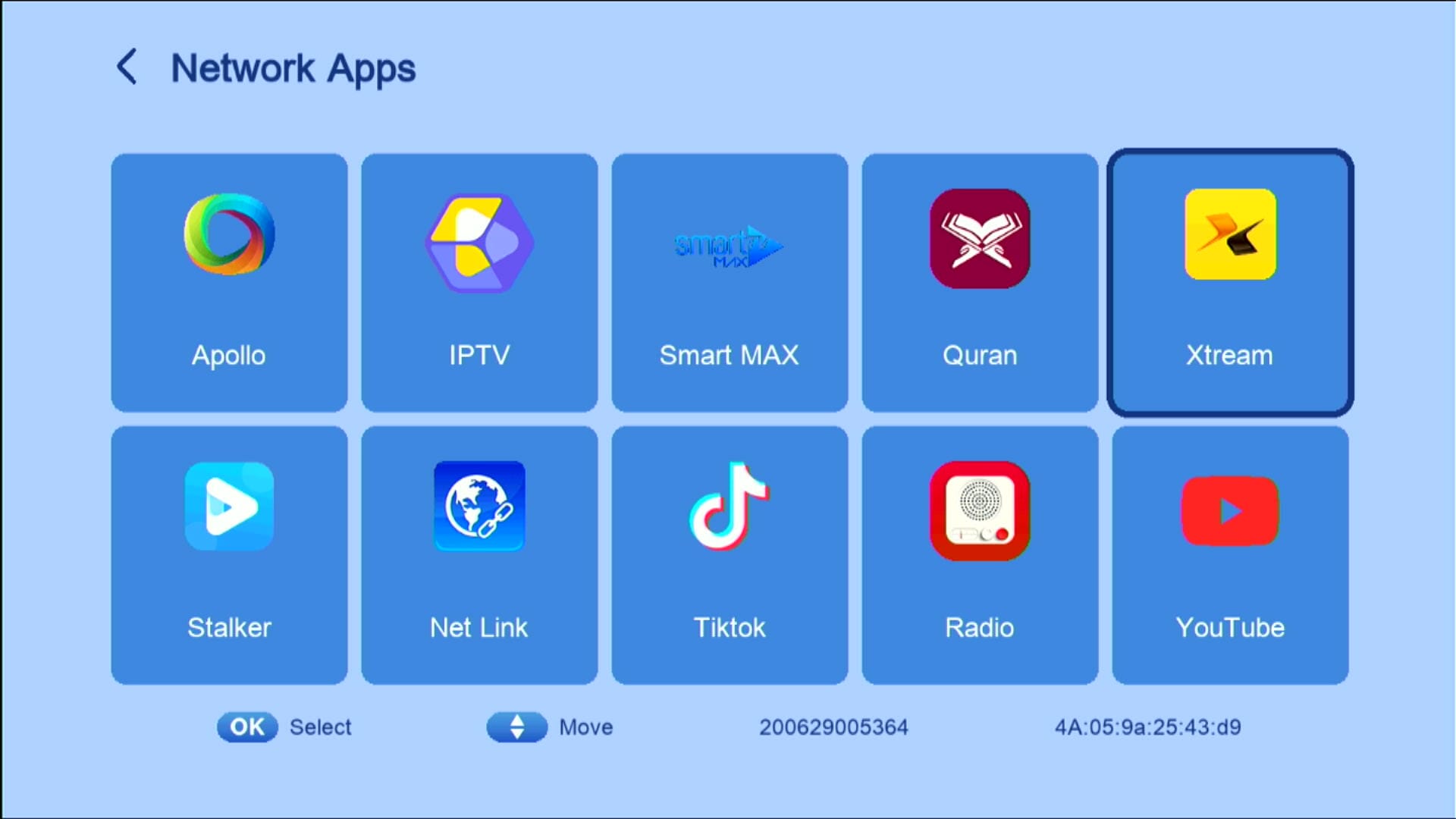
 ✅ YouTube + YouTube Kids + TikTok Apps
Preinstalled streaming apps that run smoothly (stable internet required). Great for casual streaming on your receiver.
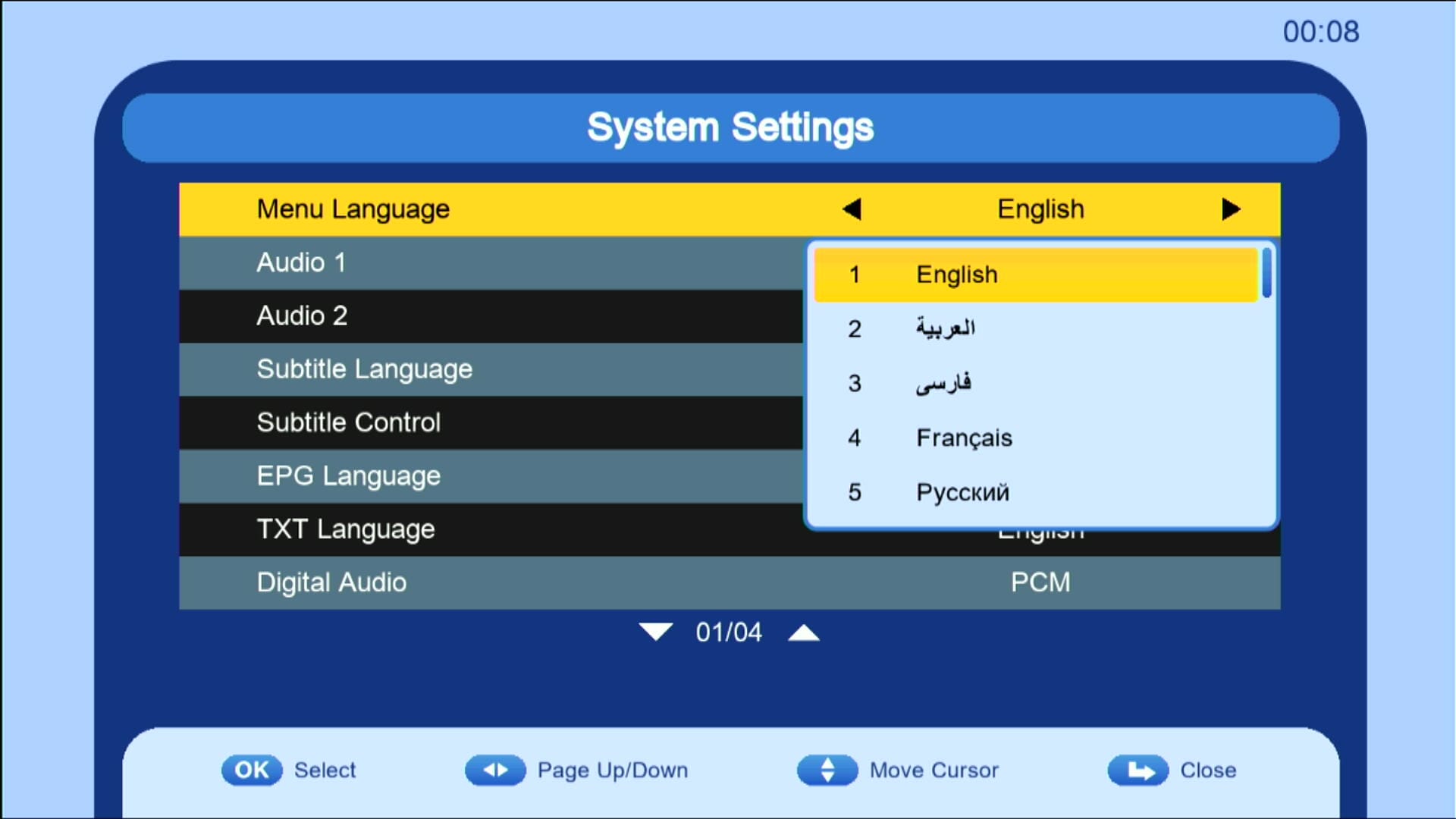 ✅ These Languages are added
Built-in weather option to show forecast directly in the receiver menu.
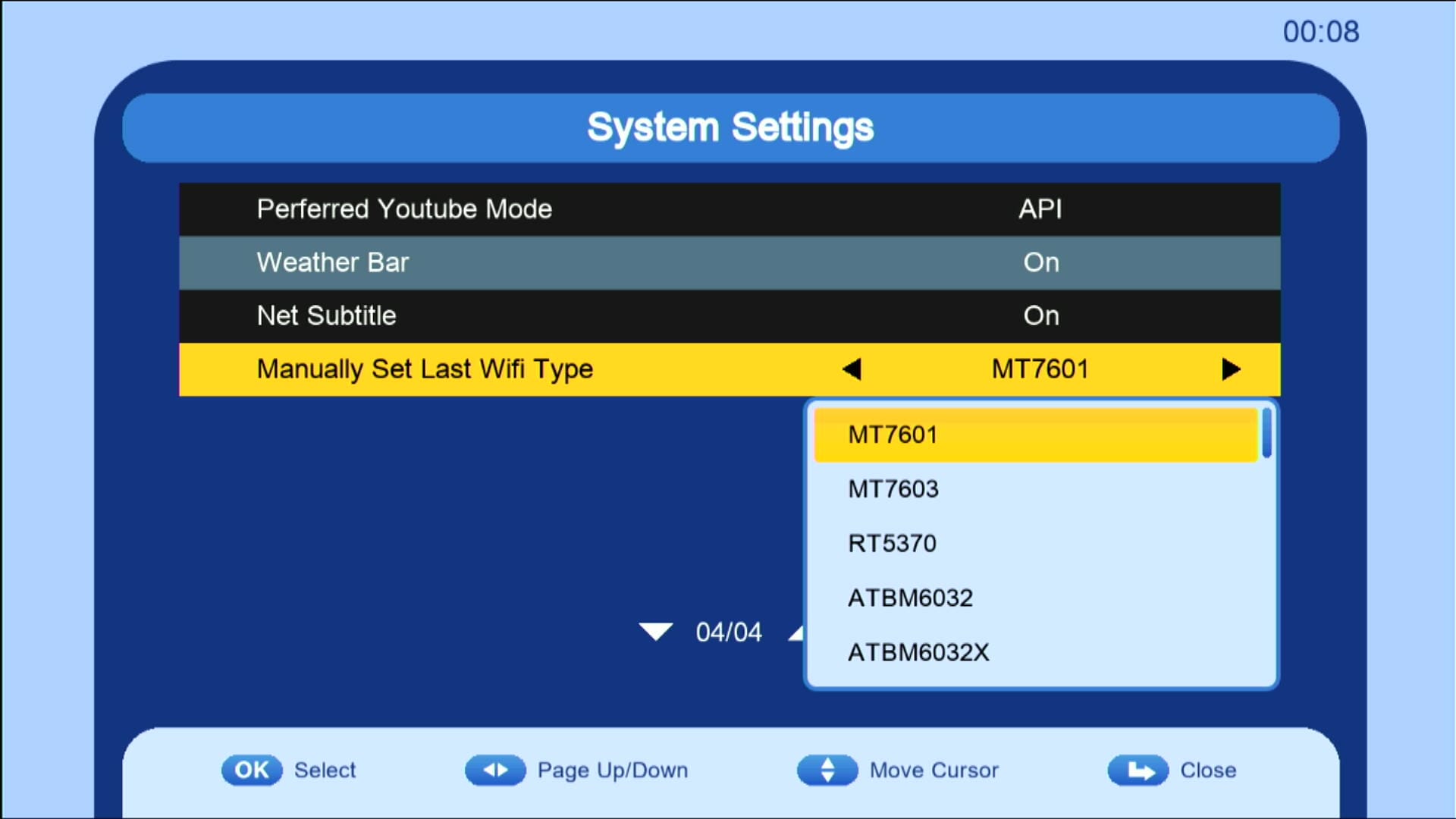 ✅ Many Wi-Fi Catcher attached
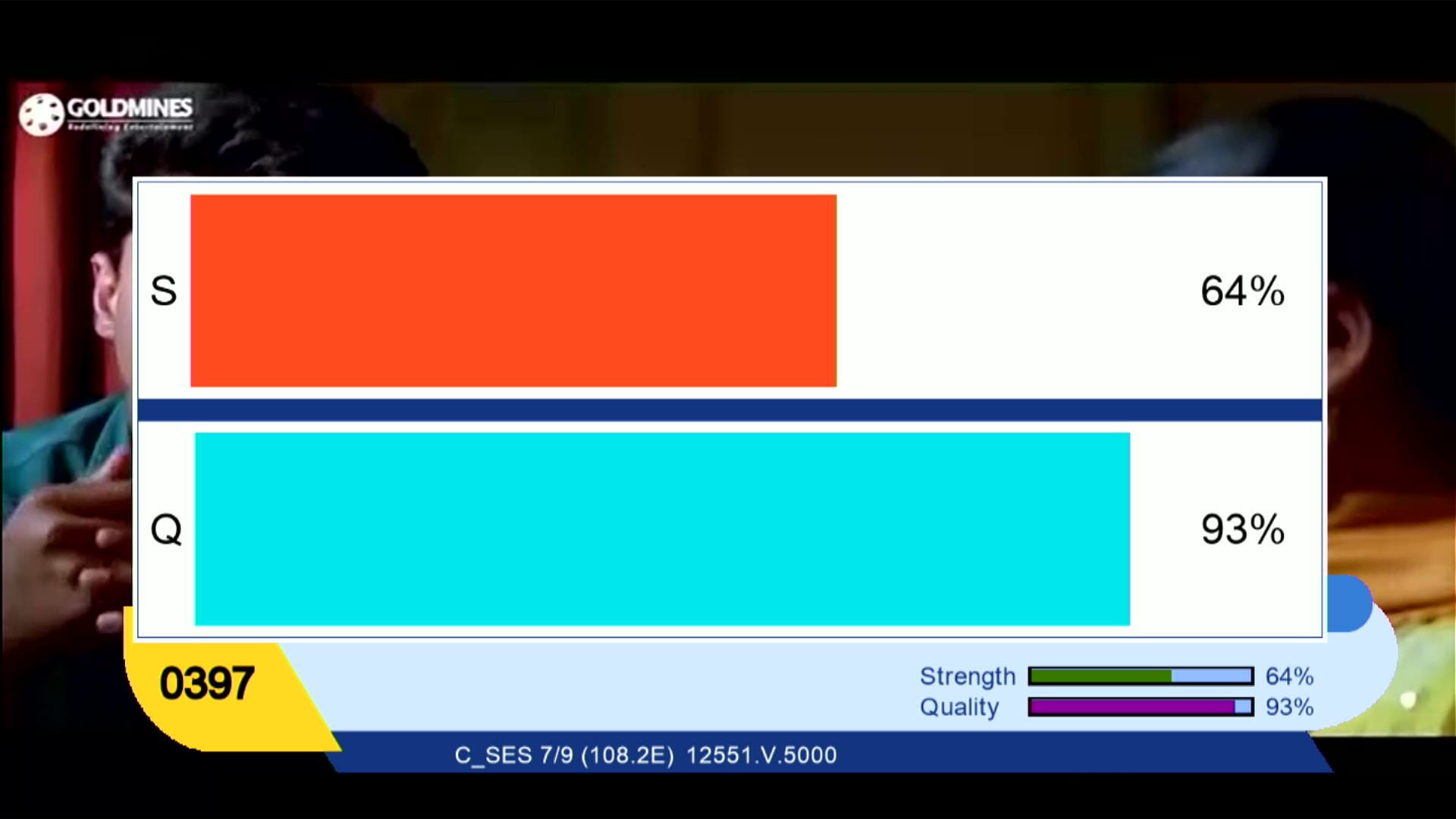
Big zoom signal strips for clear signal view and better tuning accuracy.
 ✅ Customer ID Display Option
Easily view your Customer ID in system info for Funcam/Account reference.
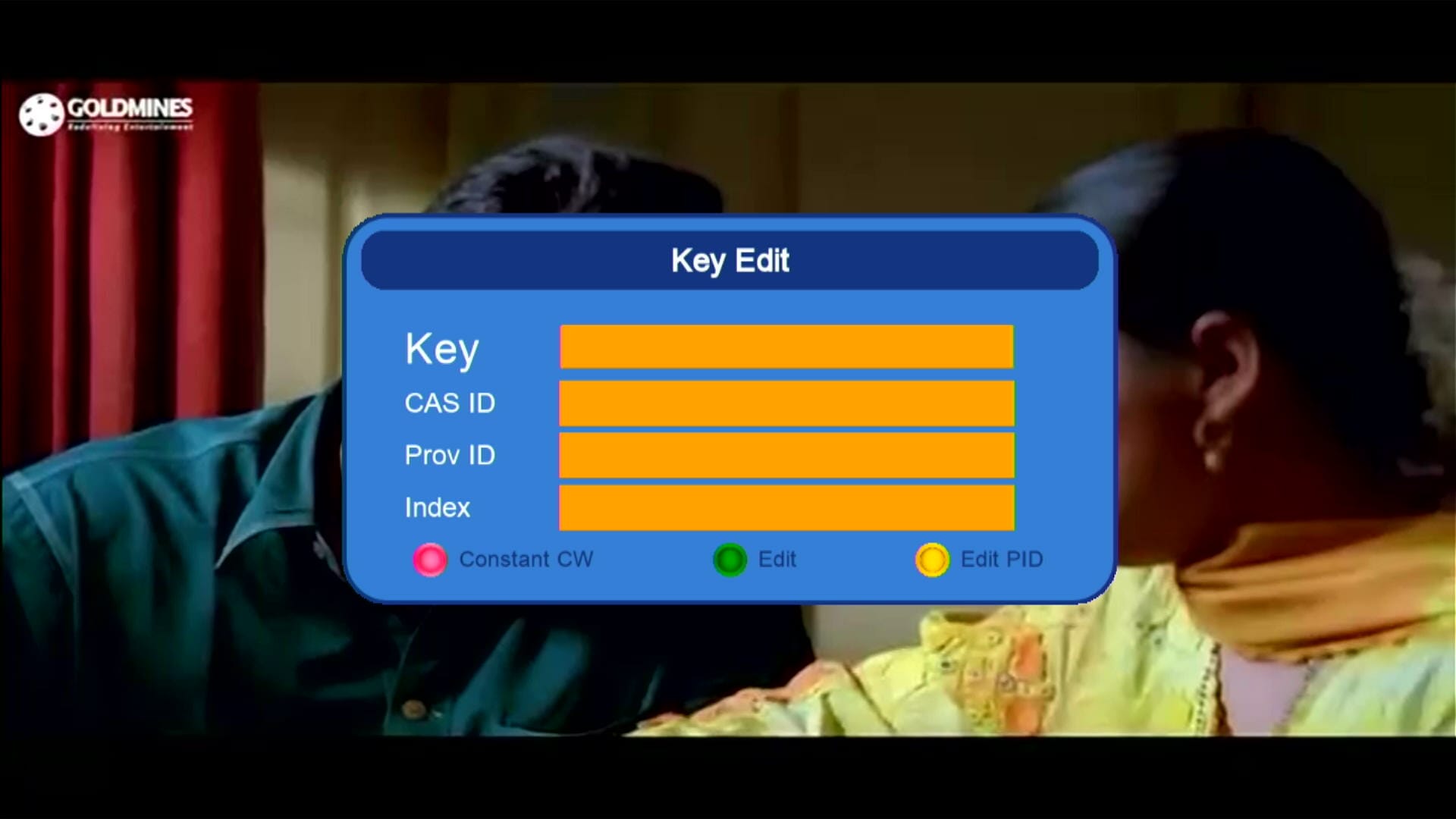 ✅ Press Page Down Option For Adding BISS key
Add Biss Key And Enjoy.
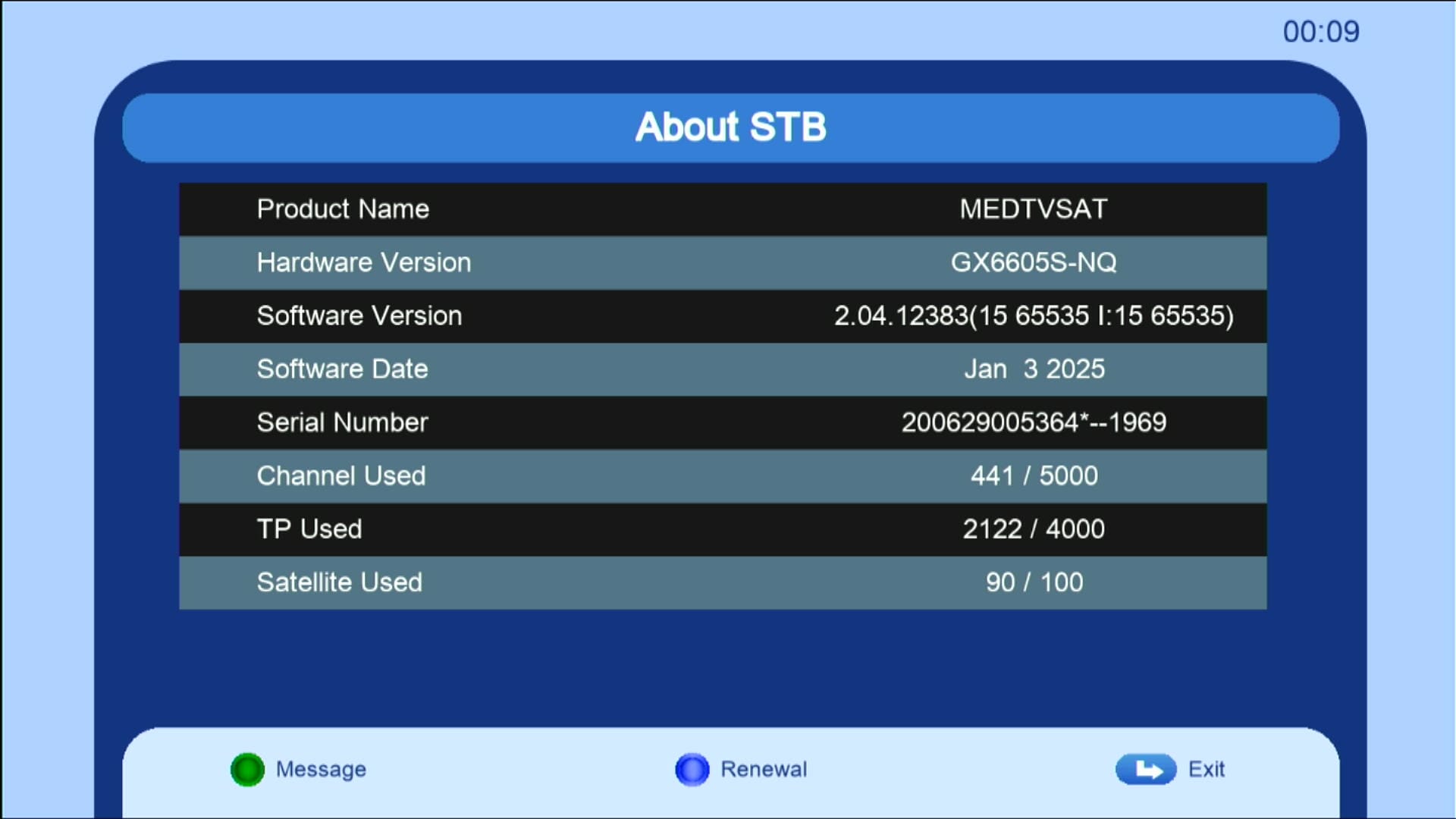 ✅ Easy System Information Check
View software version, build date, hardware model and other important details in one place.
📊 System Information
- Model: GX6605S Funcam
- Release Date: September 2025
- Supported Features: Funcam, CCCAM, YouTube, TikTok, Weather
- Upgrade Options: USB, RS232
- Recovery: RS232 Loader Tool Supported
🎥 GX6605S Funcam Software 2025 – Video Review
🛠️ RS232 se Upgrade / Recovery Ka Tareeqa
Agar aapka receiver hang ho gaya ho ya galat firmware flash ho gaya ho to RS232 loader se recovery sabse safe tareeqa hai. Neeche simple steps diye gaye hain — isko follow karein:
- 🔌 RS232 cable ko PC se aur receiver ke RS232 port se connect karein.
- 💻 PC par GX Downloader / Loader tool ko run karein.
- 📂 Loader me Correct .bin firmware file select karein (apne model ke hisaab se).
- ⚡ Receiver ko power OFF karein, phir loader me "Start" ya "Connect" par click karen (instructions loader ke mutabiq hoti hain).
- 🔄 Ab receiver ko power ON karein jab loader instruct kare — transfer start ho jayega.
- ⏳ Transfer complete hone tak wait karein (percent bar dekhein). Process ke dauran kabhi power na cut karein.
- ✅ Jab 100% ho jaye to loader message dega; receiver automatically reboot karega aur naya software load ho jayega.
📹 RS232 Upgrade Video (Step-by-Step)
Tip: Video dekhte hue RS232 Driver aur GX Downloader pehle se download kar len — download buttons upar maujood hain.
⚡ RS232 Driver & Loader Tools Download
Below you can download the required RS232 driver and GX6605S loader tools. Click on the buttons to download directly:
🔗 External Resource
🔗 Related GX6605S Software
📥 Download Links
⬇ Download GX6605S Funcam 2025
❓ Frequently Asked Questions (FAQ)
👉 Yehi tha complete detail GX6605S Funcam Software 2025 ka. Aur software aur receiver related updates ke liye hamesha visit karein: Mast Dish Info Layyah
![Montage CS8001 Receiver RS232 Upgrade | Flash Software via Serial Cable [Urdu / Hindi Tutorial]](https://lh3.googleusercontent.com/blogger_img_proxy/AEn0k_uVE7LxIUz_rEEkLWhV1Lt-fGJ-gxui7nGvbR468s-AhHacU_DIb4qH_ZiWZ1rBSmIEVOcr4hDMb1ZuJuZ_UHFrHCEKRNK_MJQke2VhdEtsE3g3HazvCwjTRpxAT86YfJs6I7VYNeLkkCiJgCNz_t2SzGqNHA=w680)
0 Comments