GX6605S Satfinder New Software 2025 | F1F2 Remote + 56 Satellites Added
The GX6605S Satfinder New Software 2025 is finally here with attractive graphics, 56 satellites, and F1F2 remote support. This update includes beautiful menu theme, double zoom signal, RS232 downgrade option and more. Scroll down to explore all features with full images, video guide, and download links.
🌟 Features of GX6605S Satfinder Software 2025
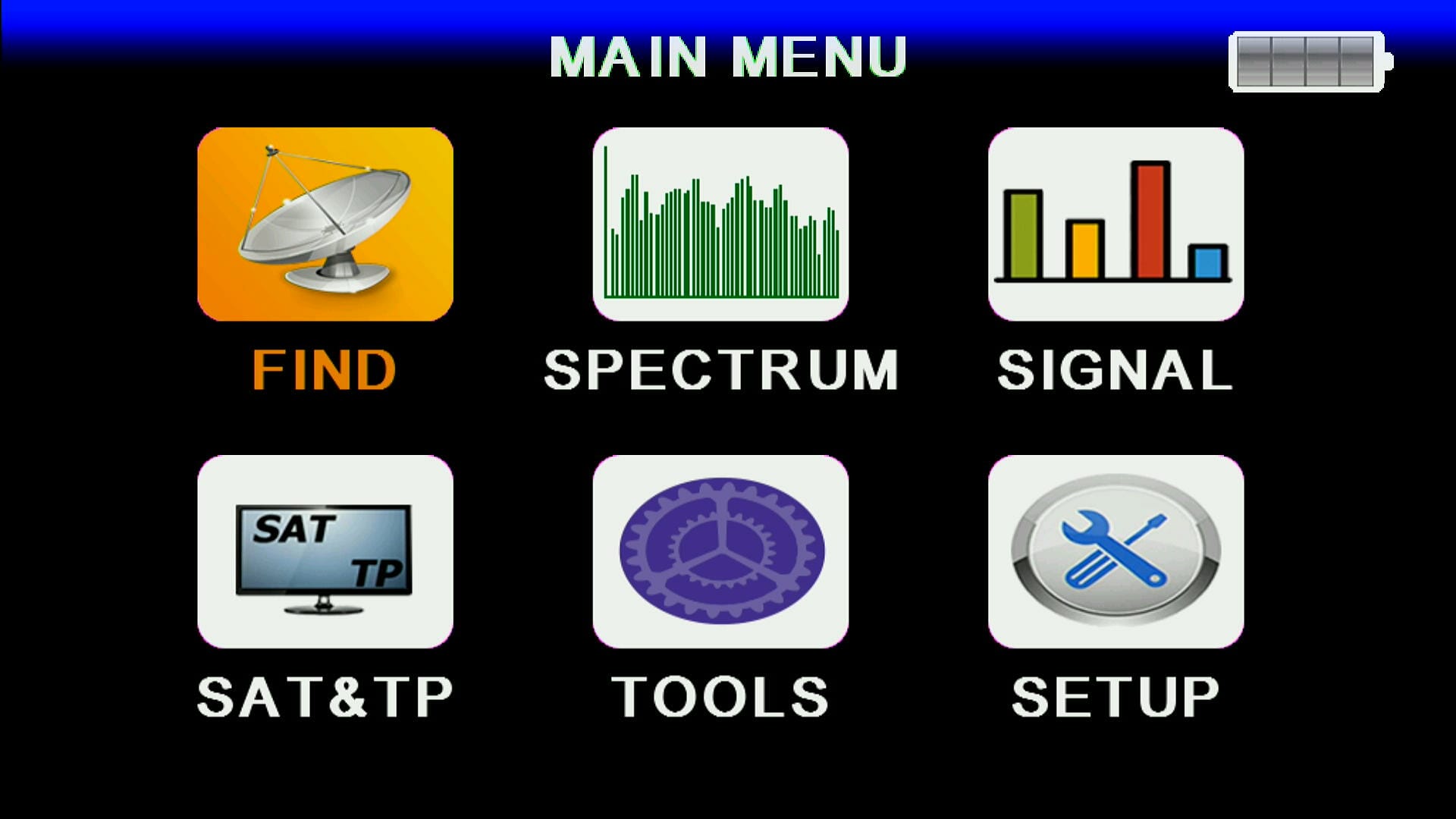 ✅ New & Latest Software 2025
Brand new release with updated performance, fresh look, and improved stability for satellite users.
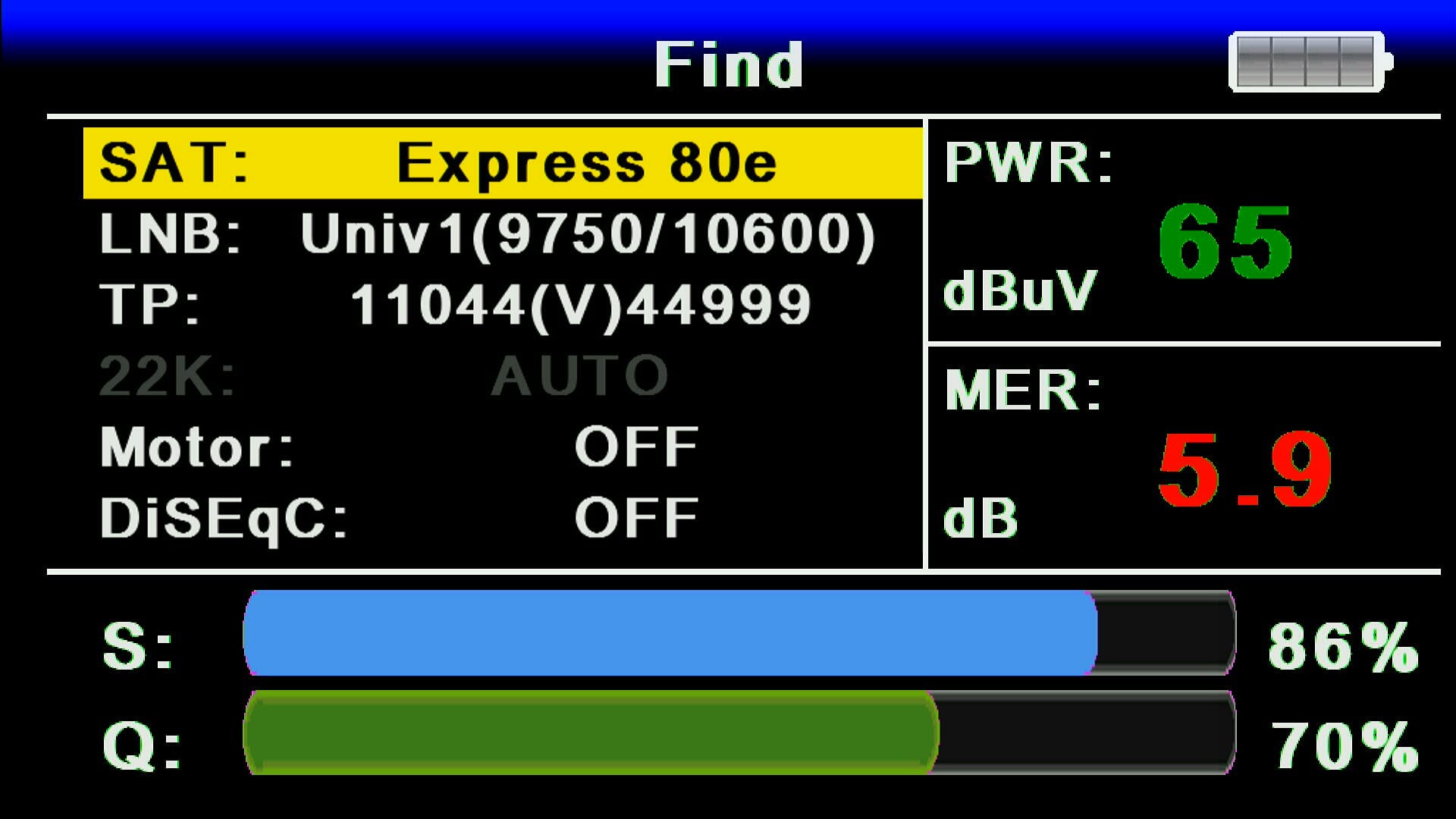 ✅ Beautiful Graphics & Theme
Modern and stylish theme design makes the receiver look premium and user-friendly.
 ✅ Beautiful Menu Theme Design
Menu redesigned with icons, clear navigation, and enhanced interface.
 ✅ Remote F1F2 Working
Fully compatible with F1F2 remote control for smooth operation.
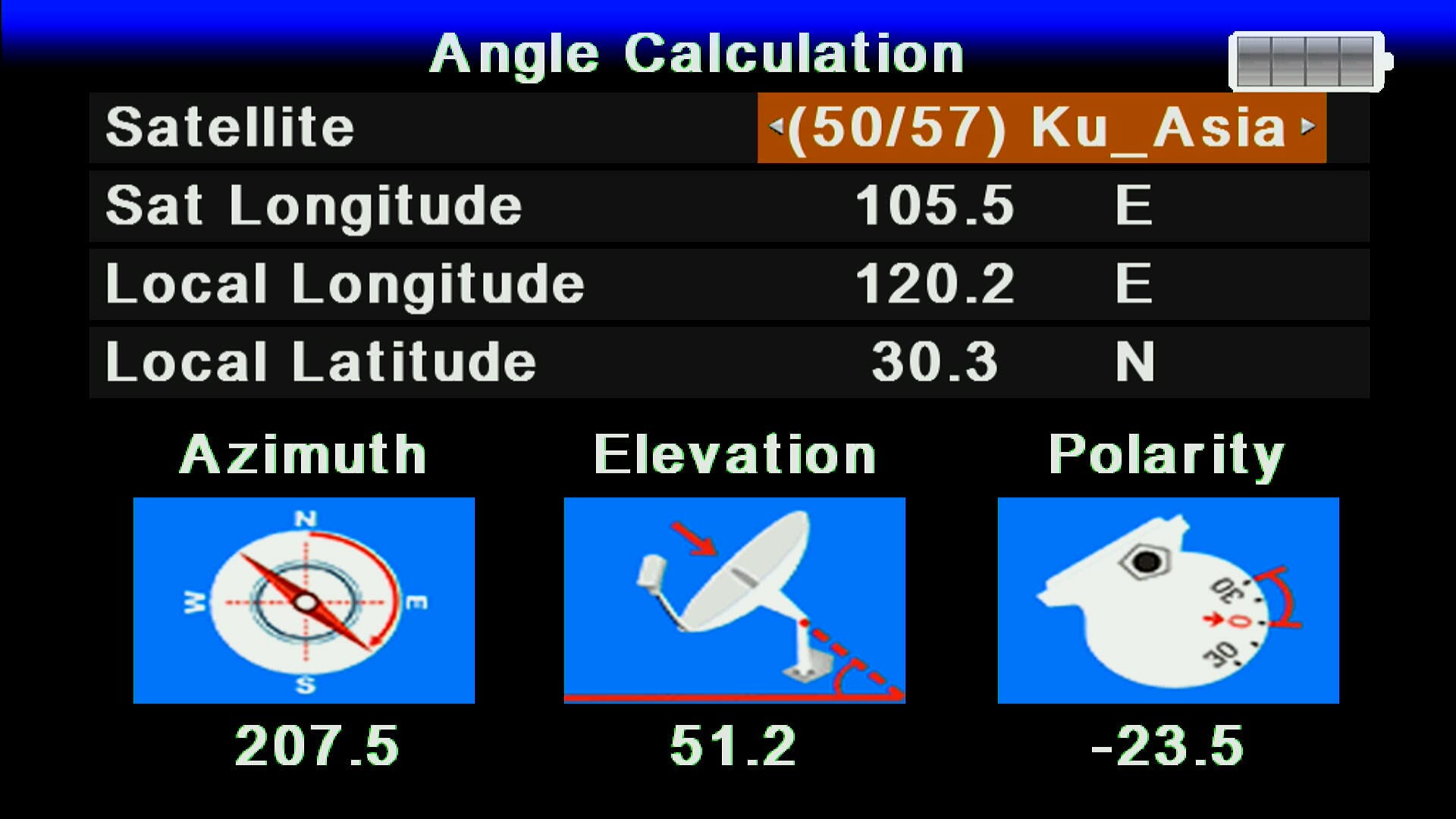 ✅ Simple Downgrade with RS232
Easily downgrade or recover software using RS232 cable and loader tool.
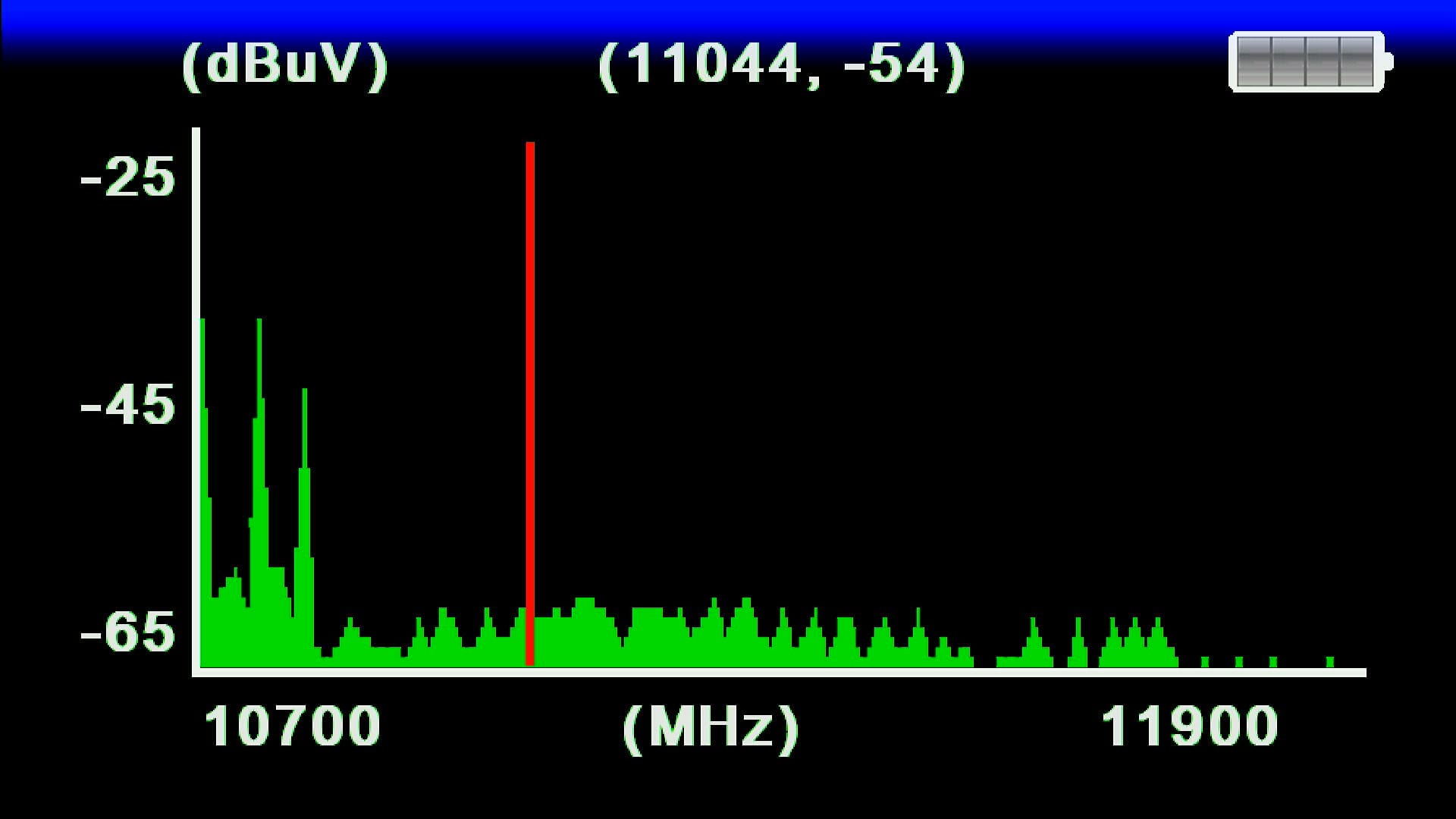
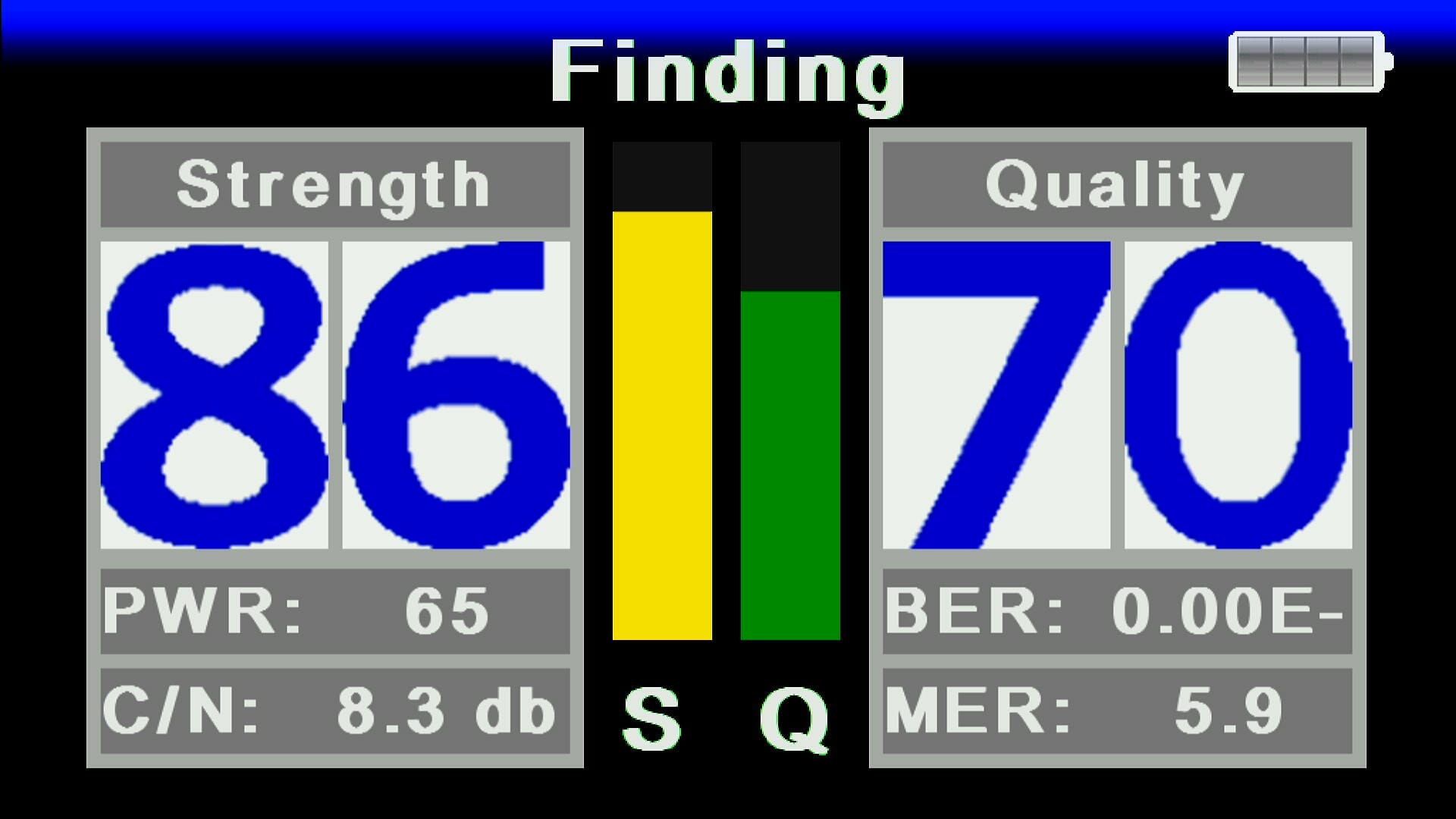 ✅ Double Zoom Signal Software
Enjoy advanced zoom signal with beautiful display bars for accurate satellite tracking.
- ✅ Easy for Tracking Satellites
Signal zoom helps you lock satellites quickly and easily without extra tools.
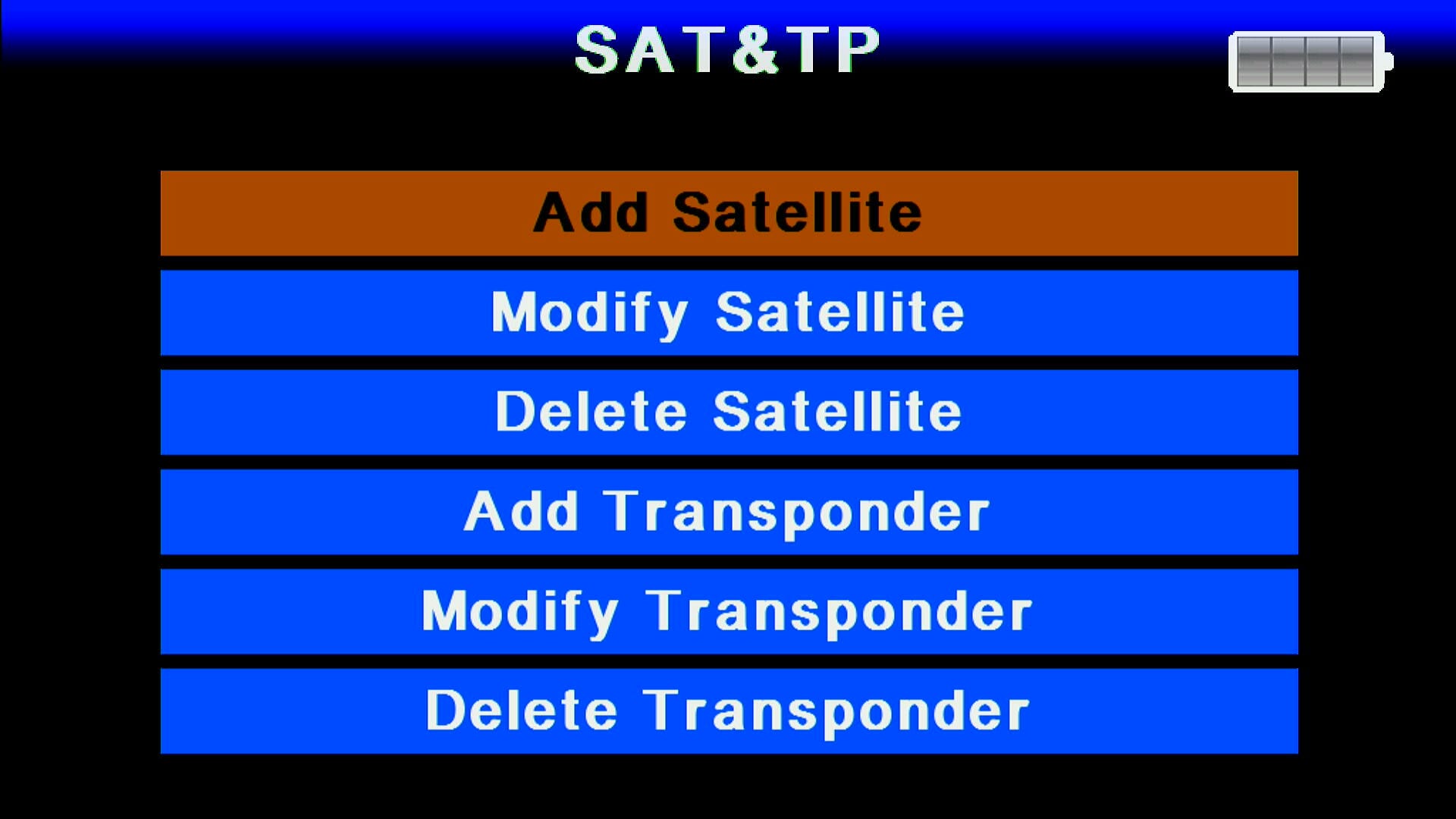
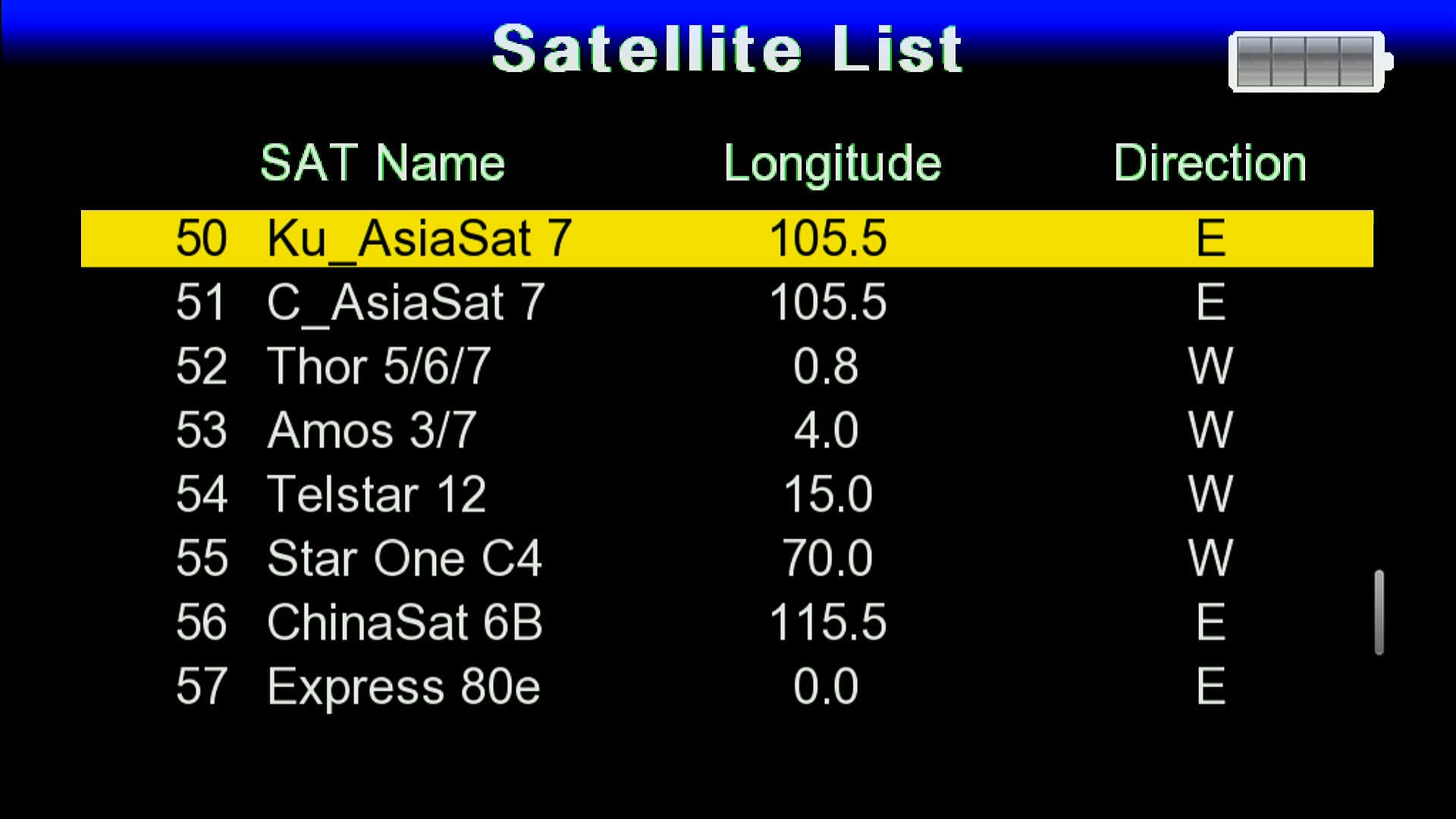
- ✅ 56 Satellites Added
Preloaded with 56 satellite lists for instant use — no need to add manually.
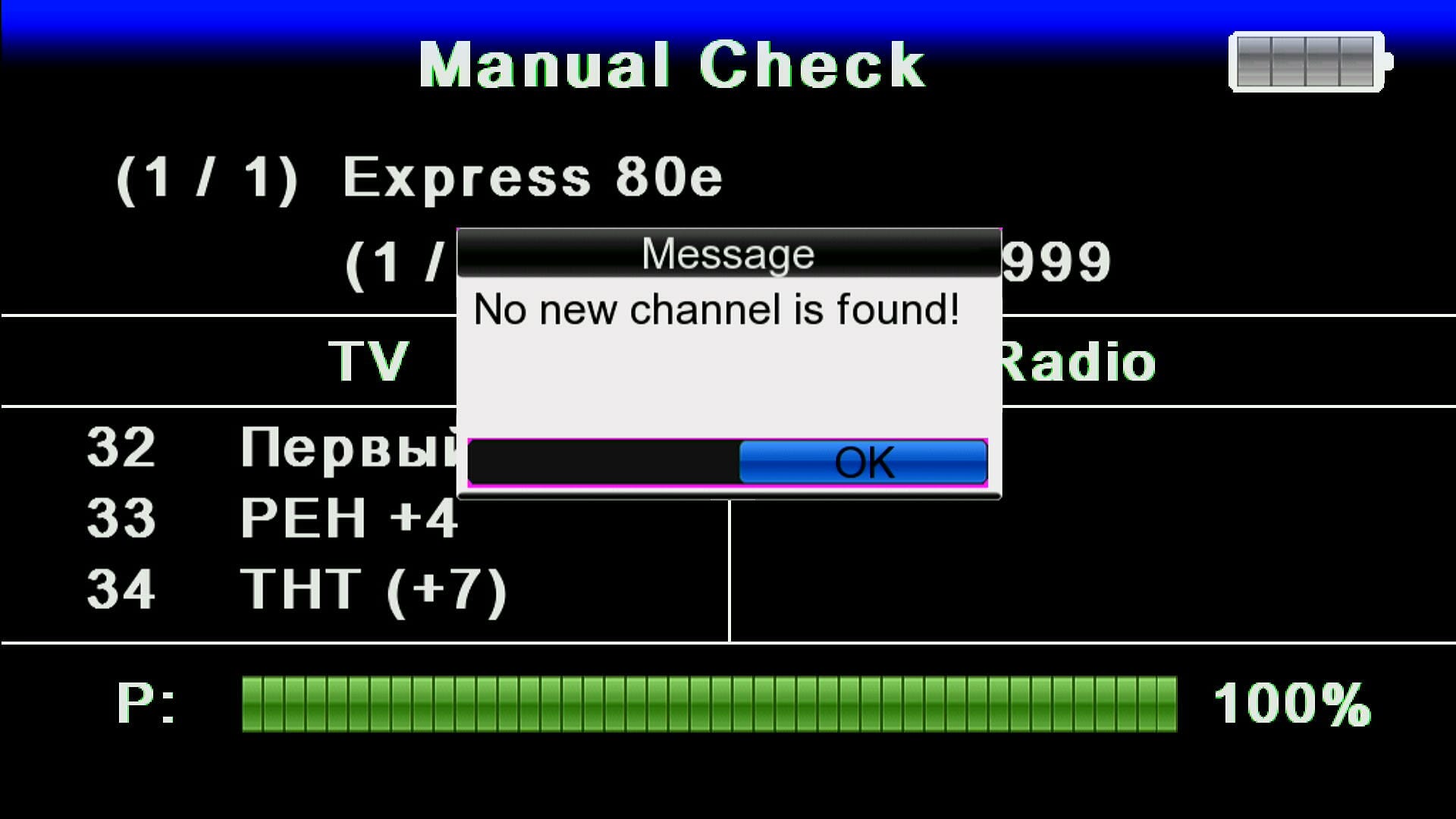
 ✅ No C Line and Similar Functions
Secure software version without C Line or similar server-based functions.
 ✅ No YouTube and Internet Apps
This version is lightweight — no YouTube, TikTok or internet-based apps included.
 ✅ Unlock Software
Pre-unlocked software for flexible use and quick setup.
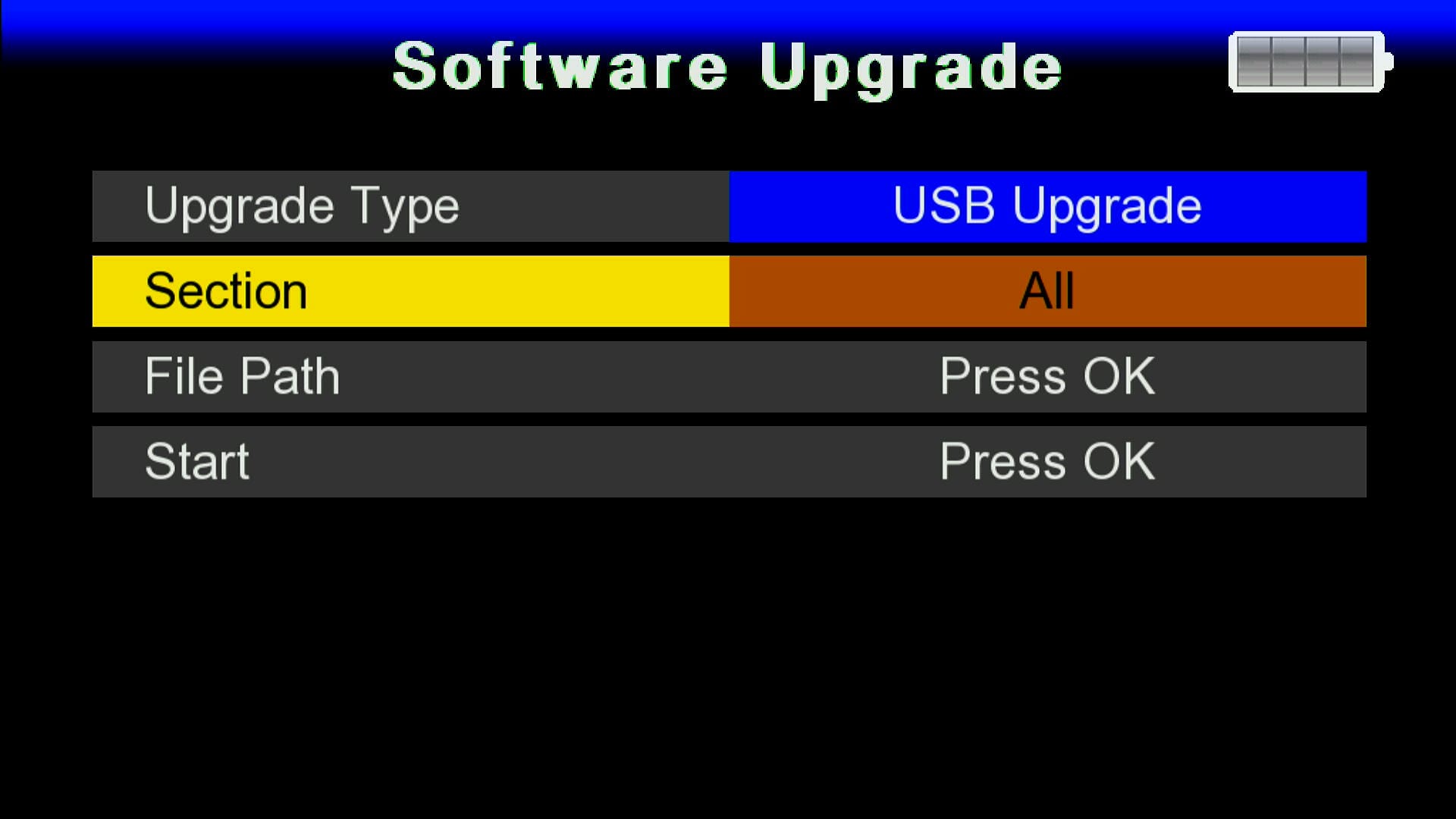 ✅ Upgrade & Downgrade Via USB Not Available
This software is limited to RS232 upgrade/downgrade only for safe operation.
 ✅ No Direct Option to Add BISS Keys
BISS key addition is not supported via single button (o button).
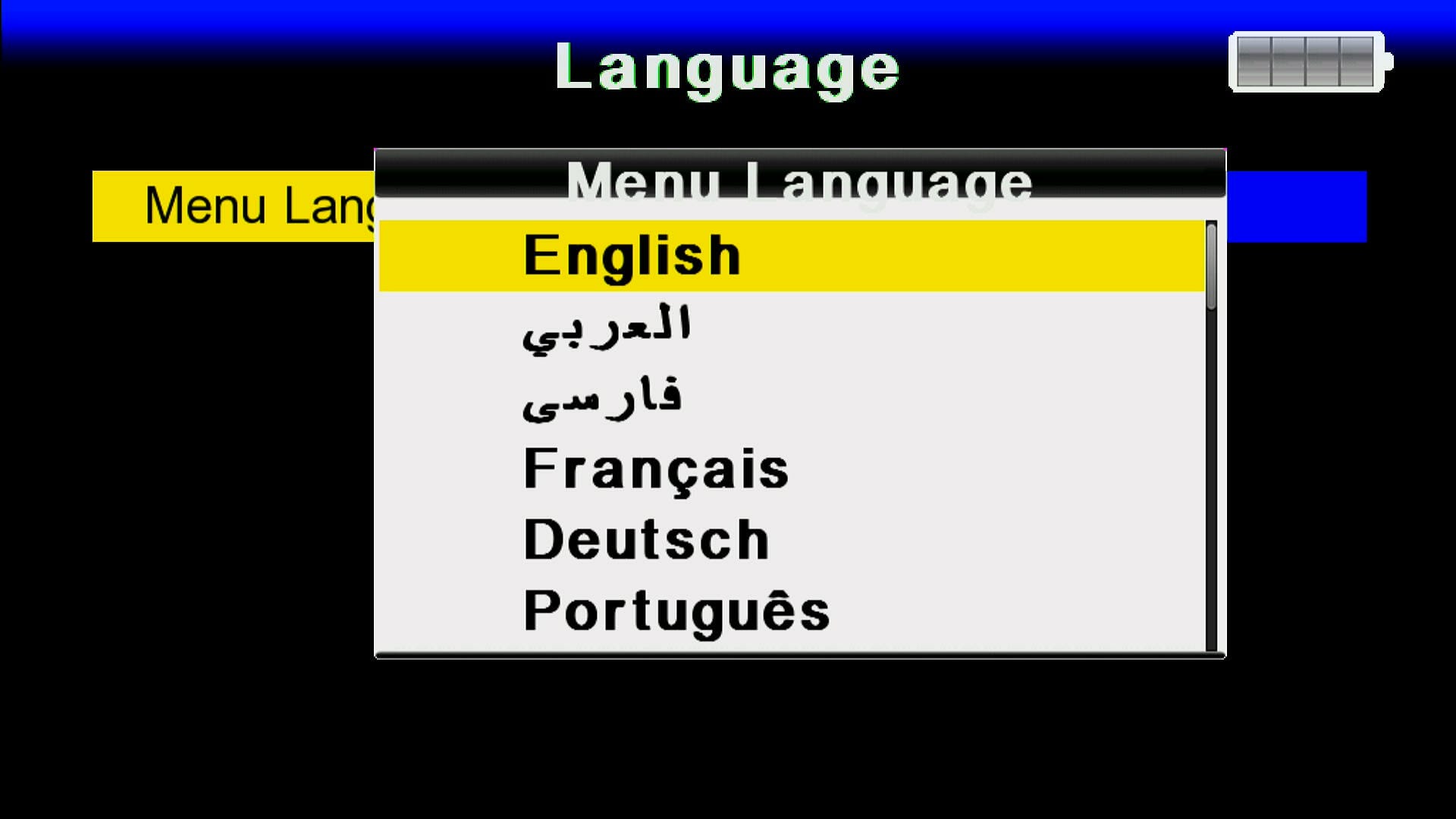 ✅ Many Languages Added
Multiple language options included for worldwide users.
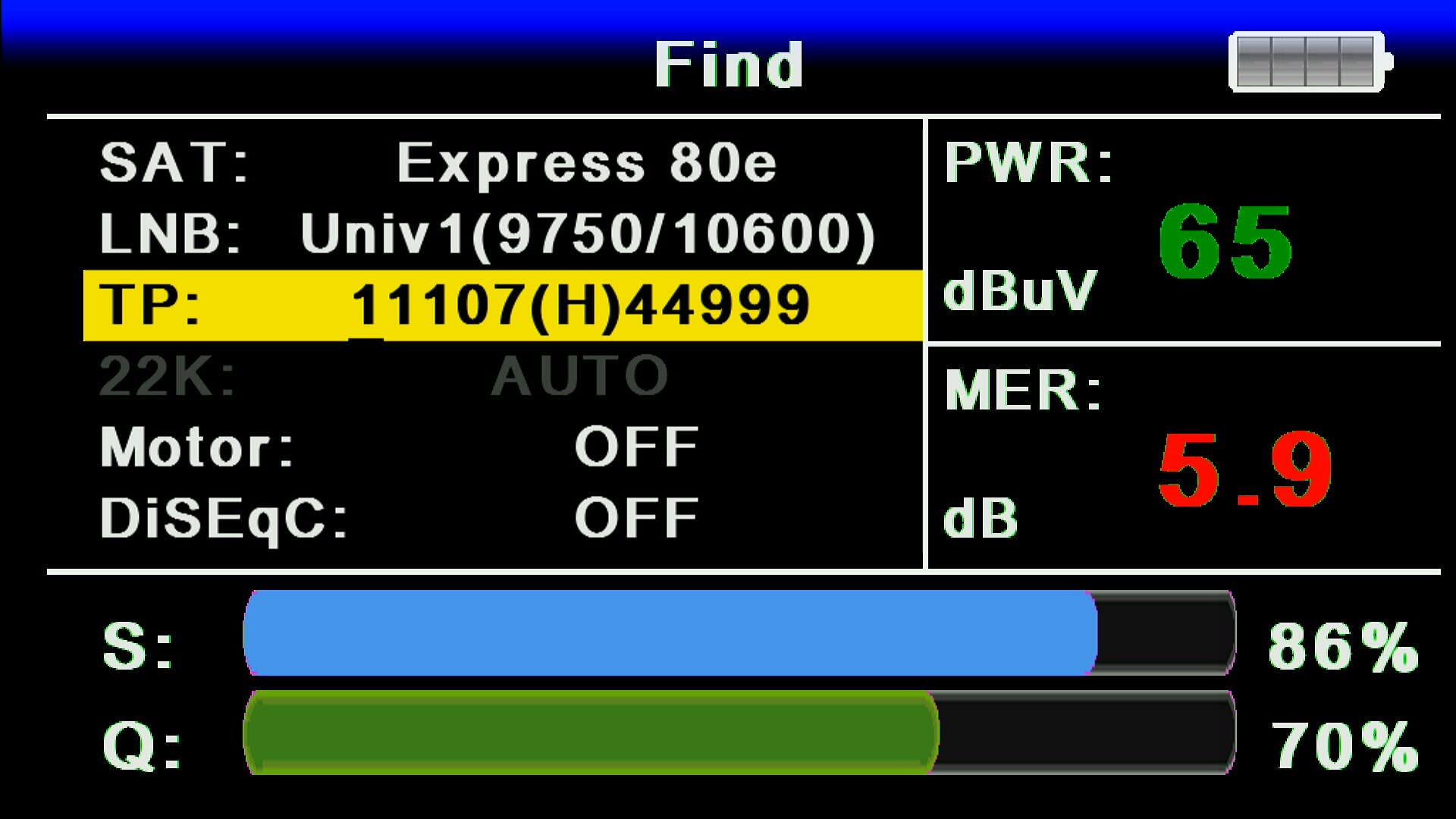 ✅ System Information of this Software
Check system info easily including model, software version, release date, and features.
🎥 GX6605S SatFinder Software 2025 – Video Review
🛠️ RS232 se Upgrade / Recovery Ka Tareeqa
Agar aapka receiver hang ho gaya ho ya galat firmware flash ho gaya ho to RS232 loader se recovery sabse safe tareeqa hai. Neeche simple steps diye gaye hain — isko follow karein:
- 🔌 RS232 cable ko PC se aur receiver ke RS232 port se connect karein.
- 💻 PC par GX Downloader / Loader tool ko run karein.
- 📂 Loader me Correct .bin firmware file select karein (apne model ke hisaab se).
- ⚡ Receiver ko power OFF karein, phir loader me "Start" ya "Connect" par click karen.
- 🔄 Ab receiver ko power ON karein jab loader instruct kare — transfer start ho jayega.
- ⏳ Transfer complete hone tak wait karein. Process ke dauran kabhi power na cut karein.
- ✅ Jab 100% ho jaye to loader message dega; receiver automatically reboot karega aur naya software load ho jayega.
📹 RS232 Upgrade Video (Step-by-Step)
Download GX6605S Loader Tools
⚠️ Important Download Notice
Dear visitors, the direct Loader Files previously shared on this website were reported as containing suspicious viruses. To keep our website safe, clean, and fully compliant with Google policies, we cannot provide direct Mediafire links here anymore.
✅ All official and safe download links are now available only in the YouTube Video Description.
🔗 External Resource
🔗 Related GX6605S Software
📥 Download Links
❓ Frequently Asked Questions (FAQ)
👉 Yehi tha complete detail GX6605S Satfinder Software 2025 ka. Aur software aur receiver related updates ke liye hamesha visit karein: Mast Dish Info Layyah


![Montage CS8001 Receiver RS232 Upgrade | Flash Software via Serial Cable [Urdu / Hindi Tutorial]](https://lh3.googleusercontent.com/blogger_img_proxy/AEn0k_uVE7LxIUz_rEEkLWhV1Lt-fGJ-gxui7nGvbR468s-AhHacU_DIb4qH_ZiWZ1rBSmIEVOcr4hDMb1ZuJuZ_UHFrHCEKRNK_MJQke2VhdEtsE3g3HazvCwjTRpxAT86YfJs6I7VYNeLkkCiJgCNz_t2SzGqNHA=w680)

0 Comments