🔥 What's New in This 1506Hv New Software?
🛰️ 1506HV 4MB Simple Version
🛰️ 1506TV 4MB Simple Version
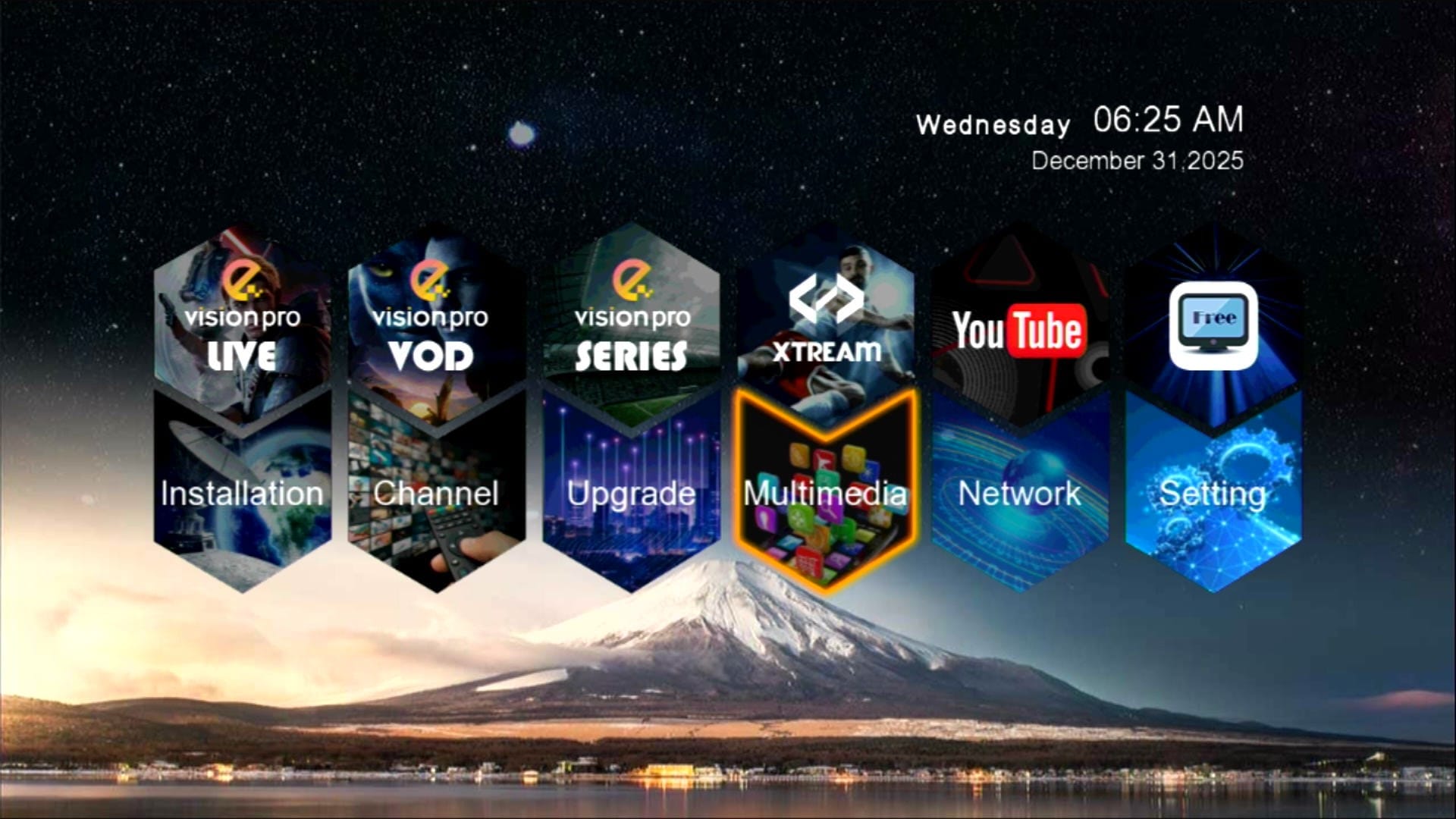
✅ Beautiful Theme & Modern UI
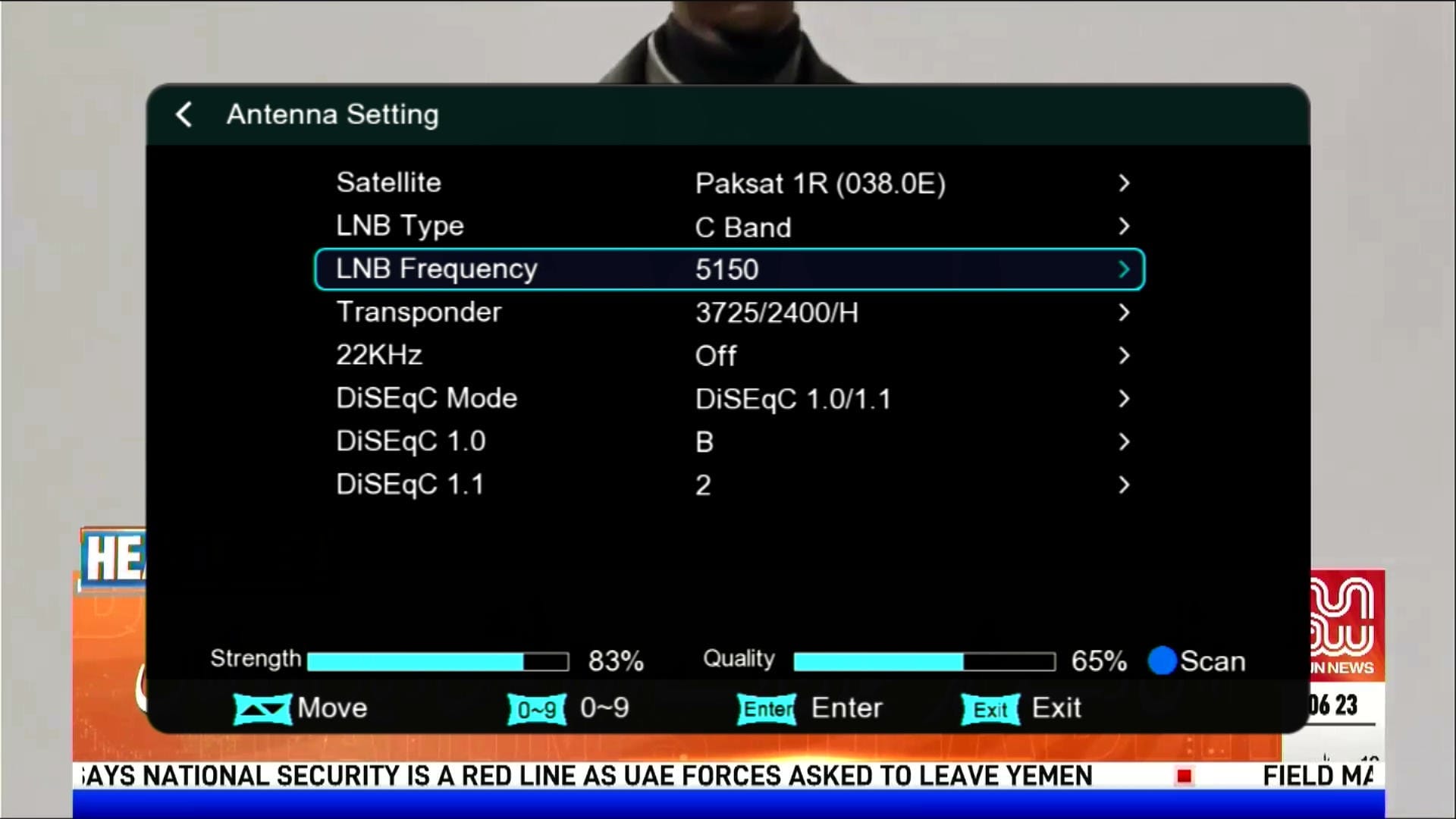
📡 Antenna Settings
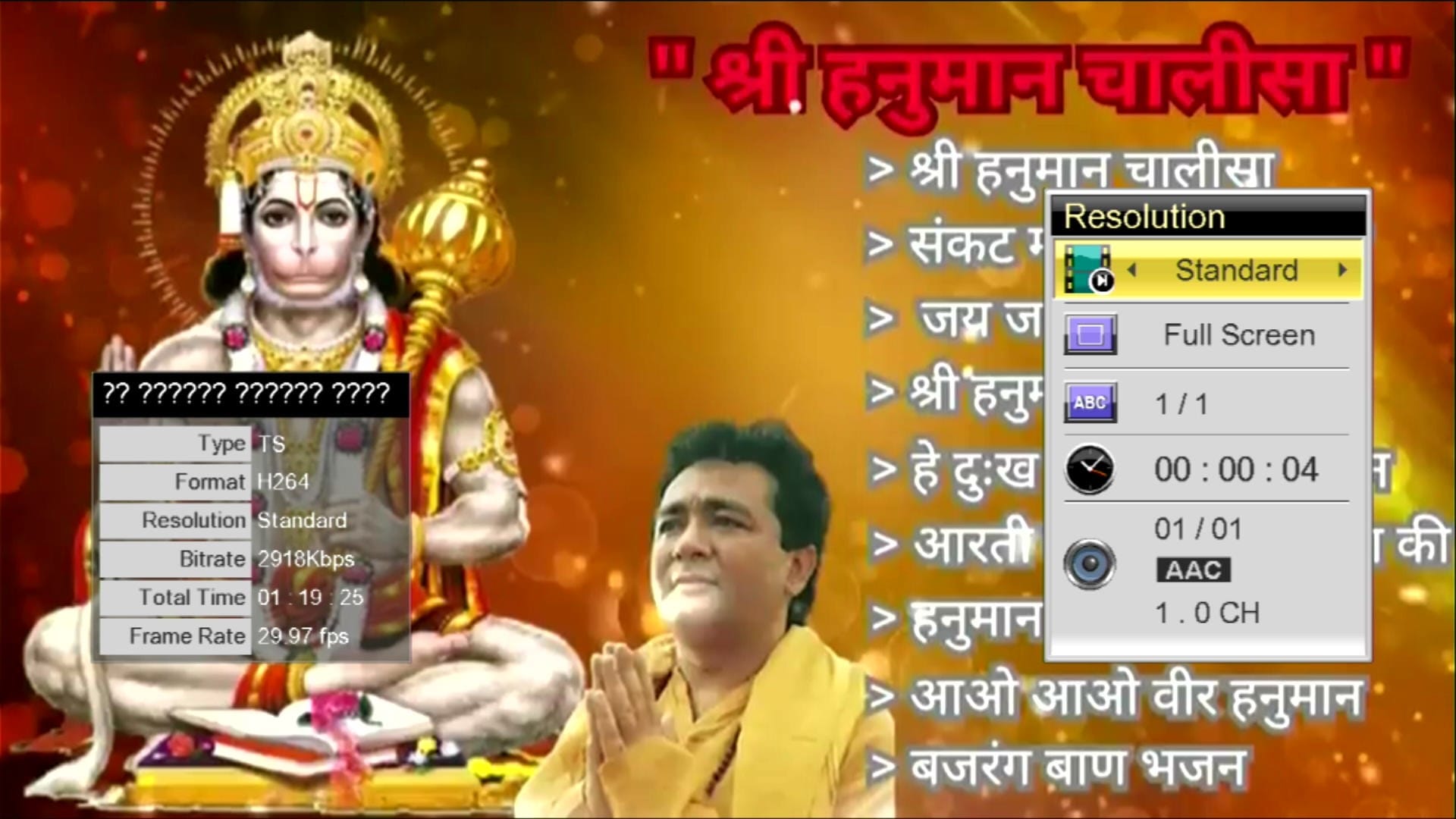
📺 YouTube Fully Working
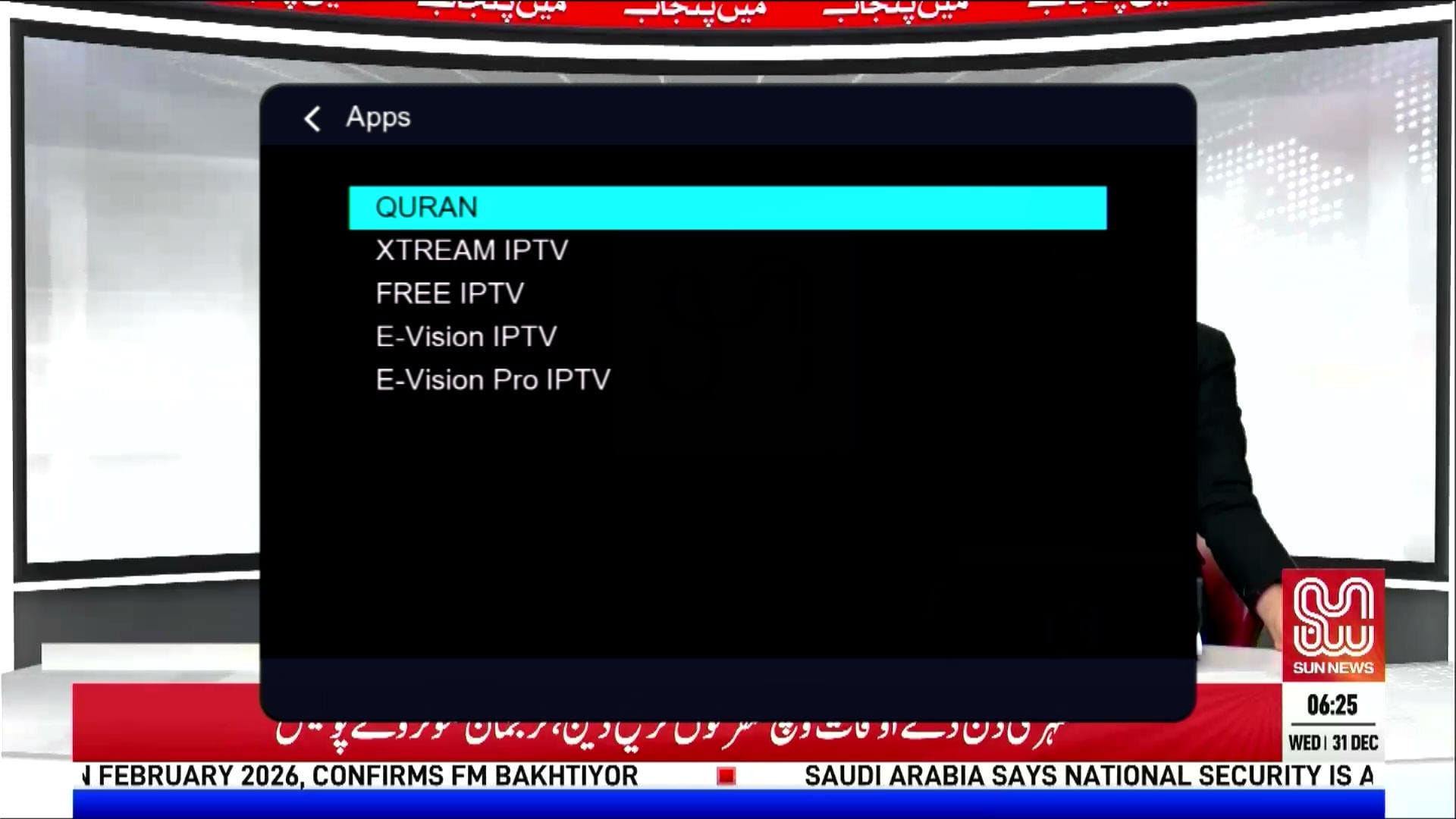
🌐 IPTV & Multiple Apps
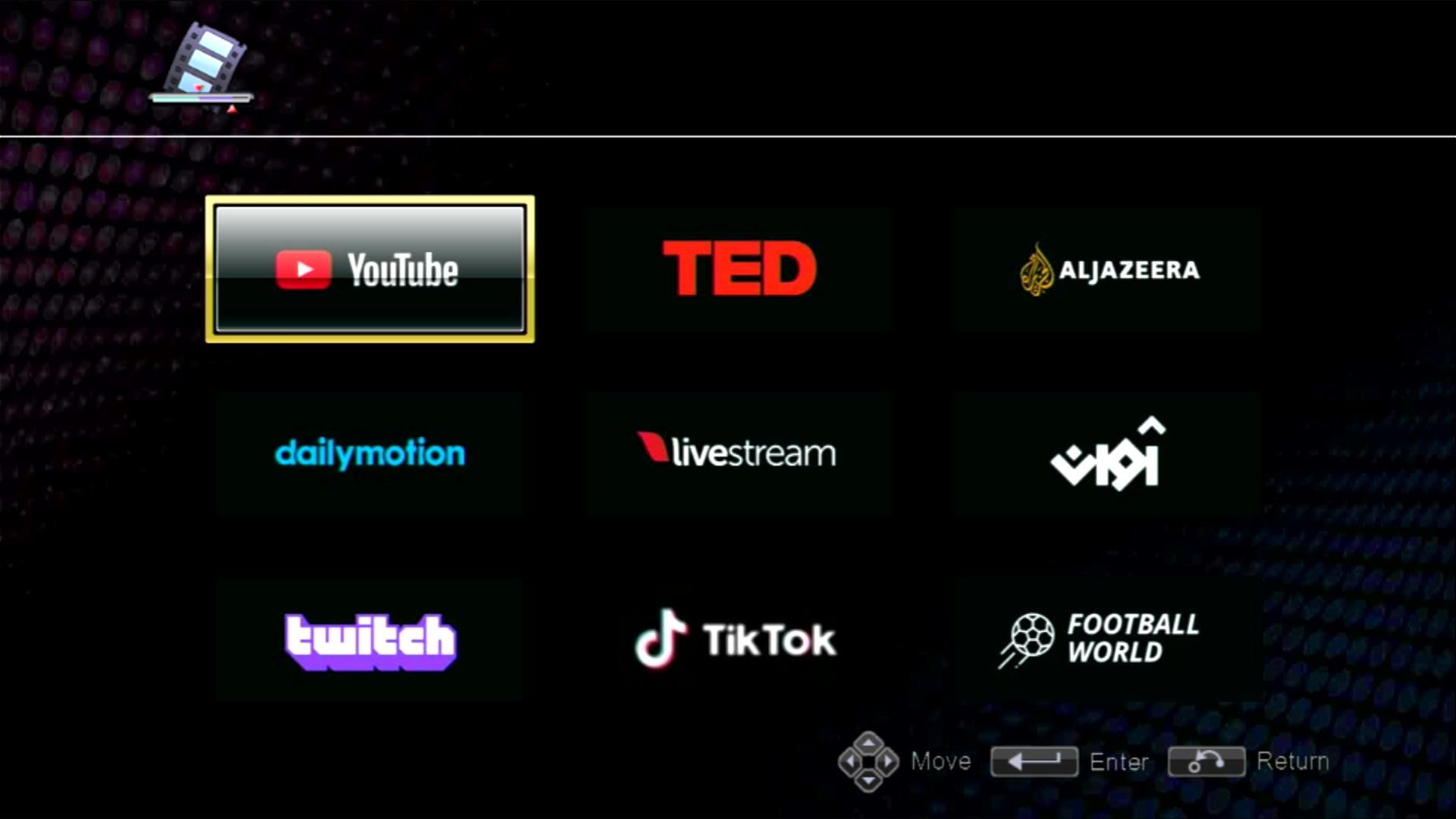
📡 Many Useful Apps
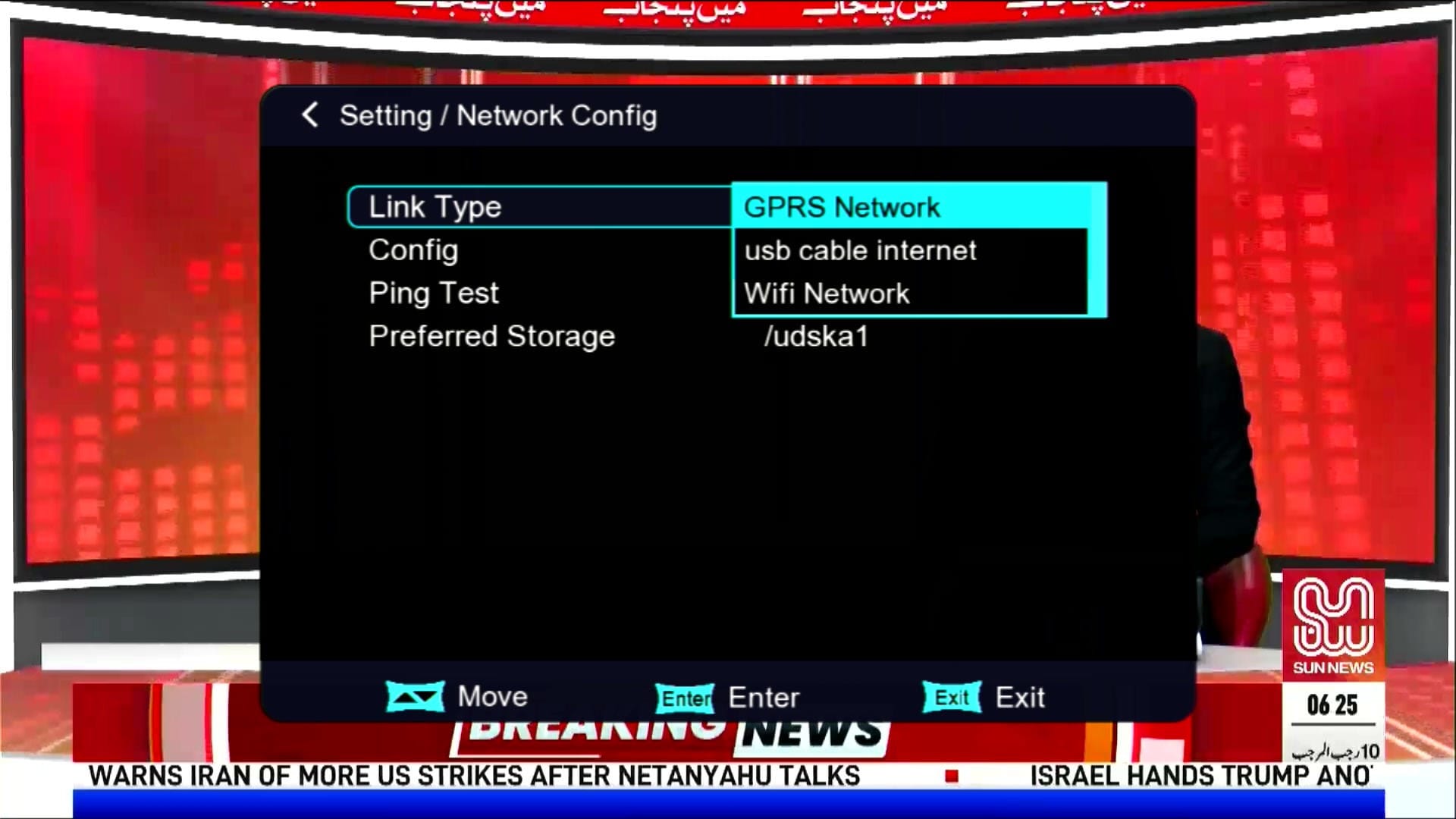
🎮 Networking Options
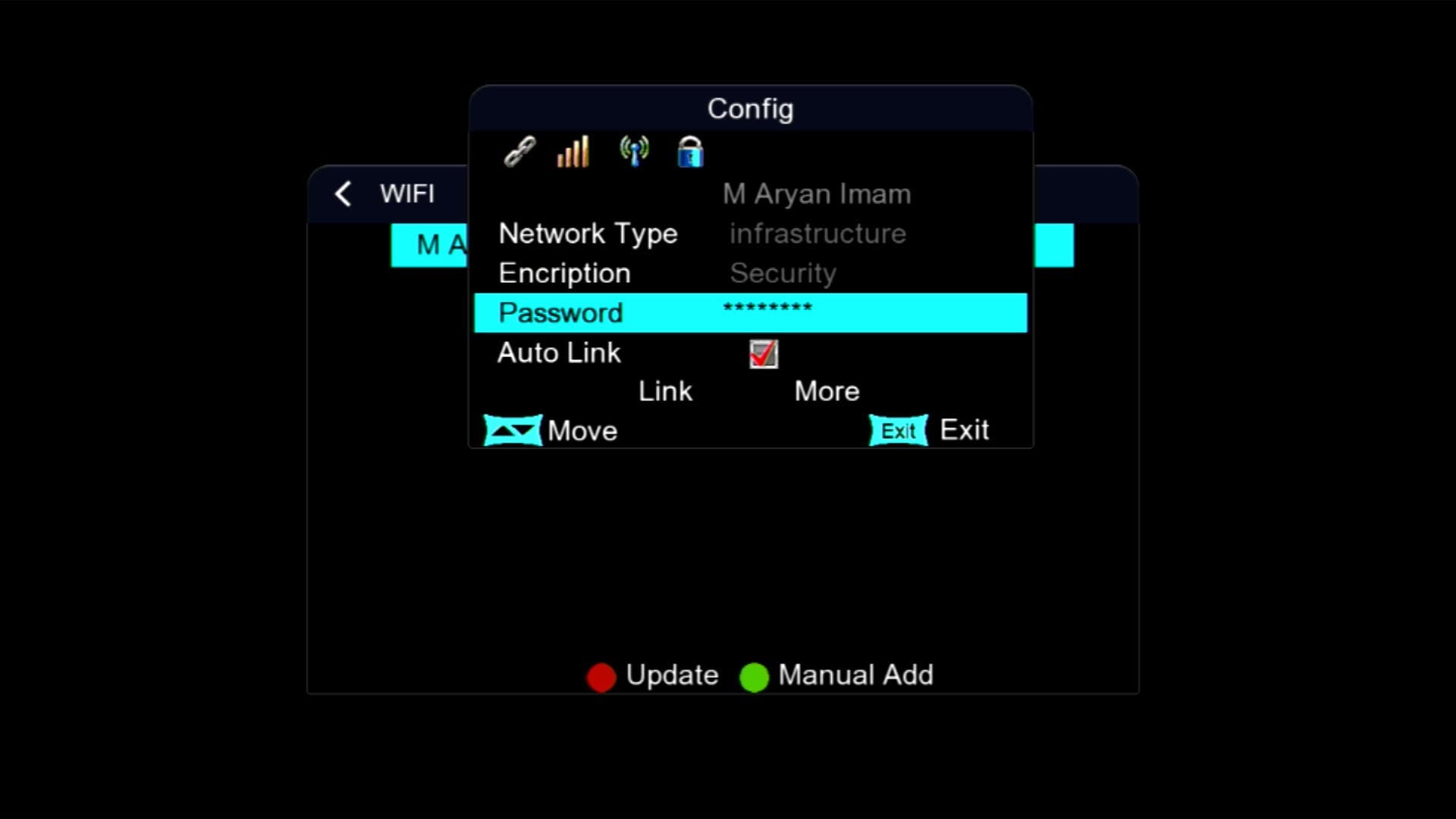
📡 Wi-Fi Catcher MT-701 Working
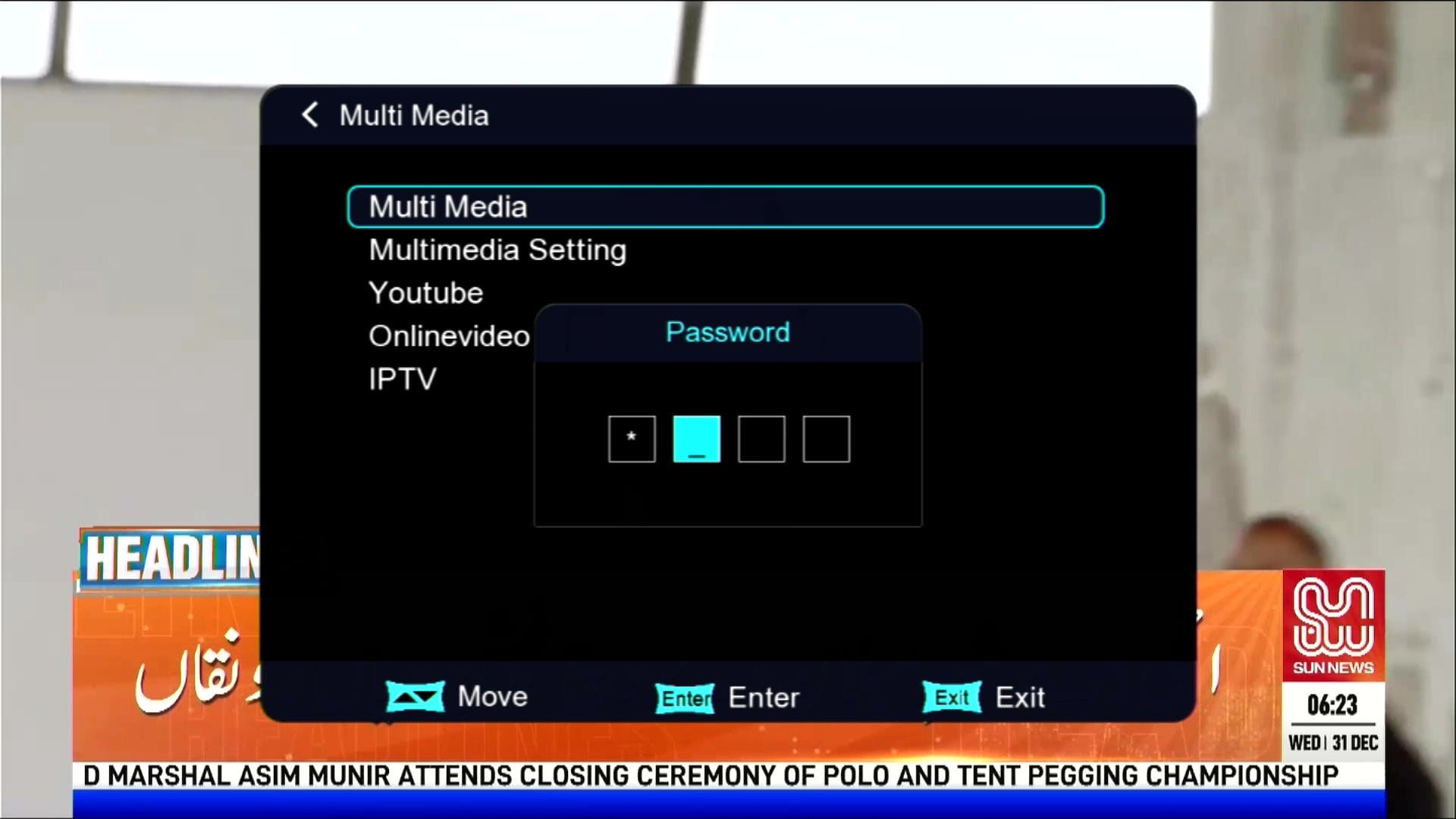
🔐 Press 1507 for Hidden Menu
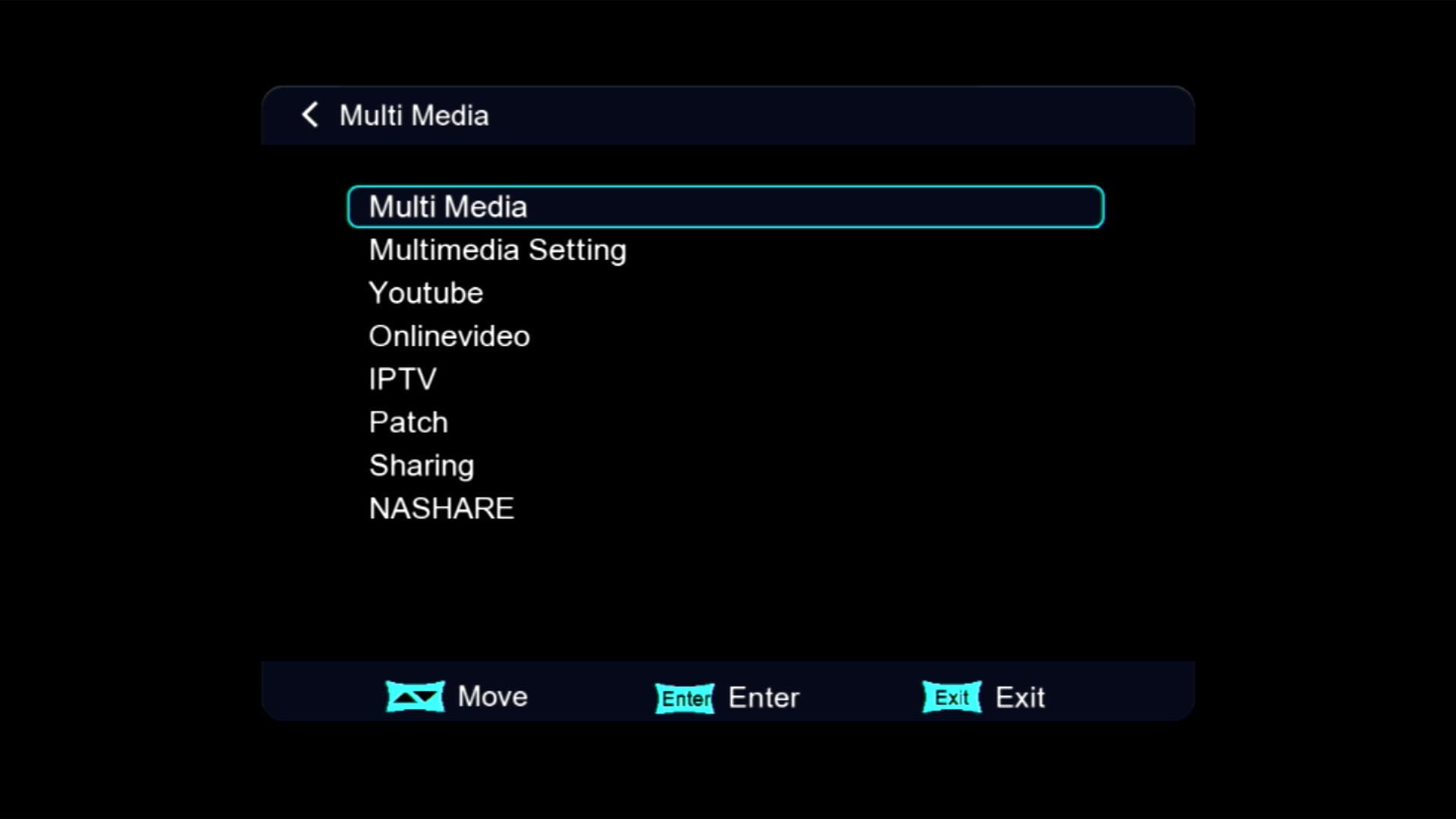
🎬 Multimedia Section
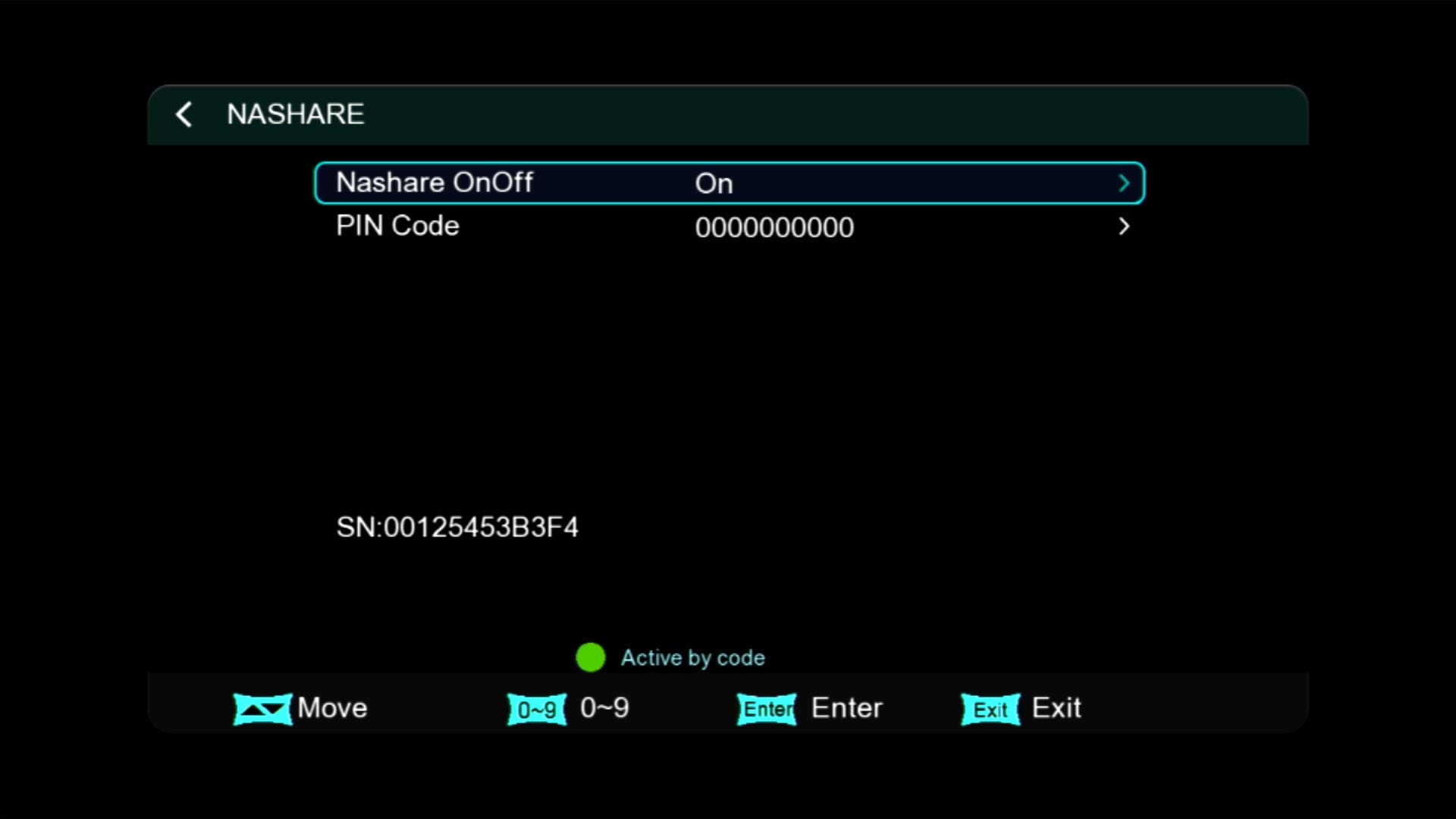
🎮 NASHARE Option
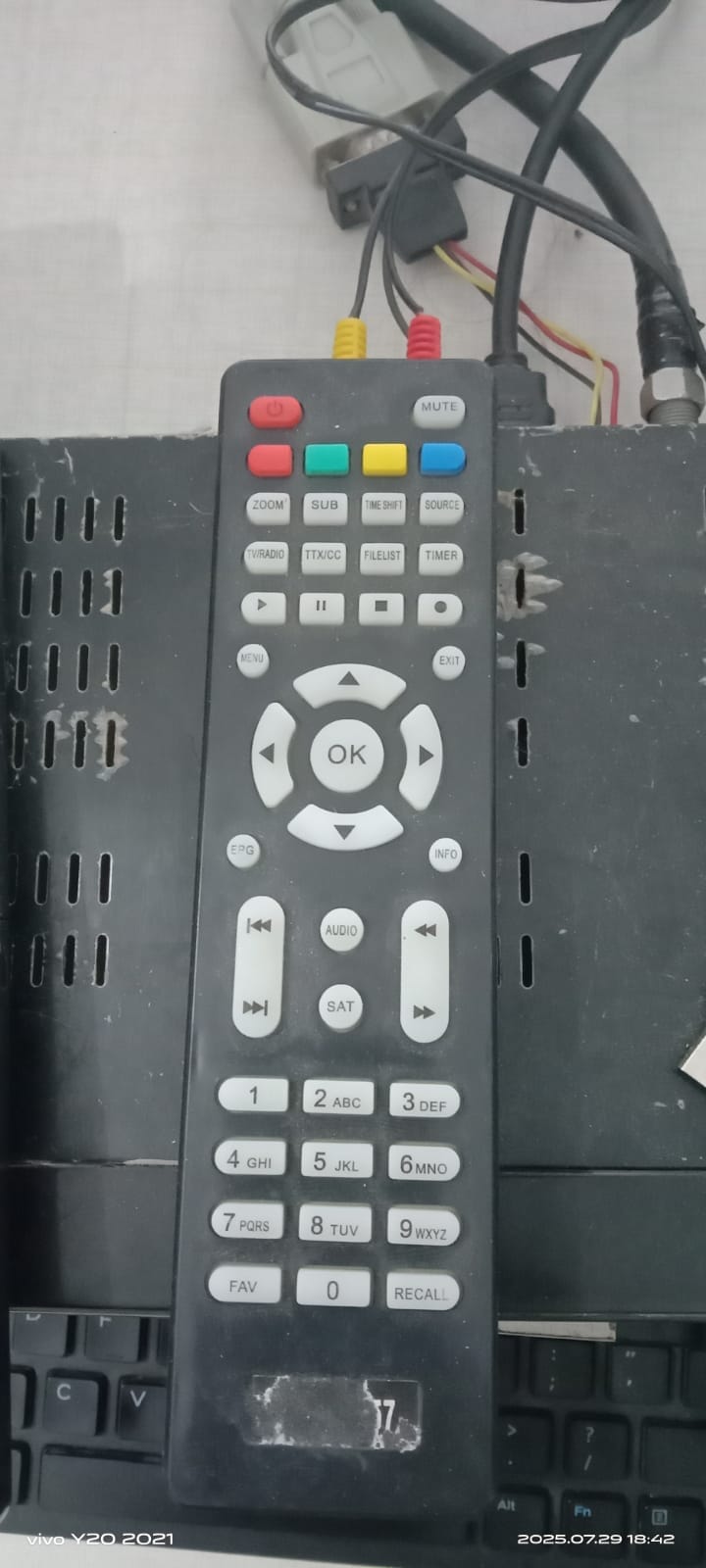
🎮 Remote Support (1506 & NK)
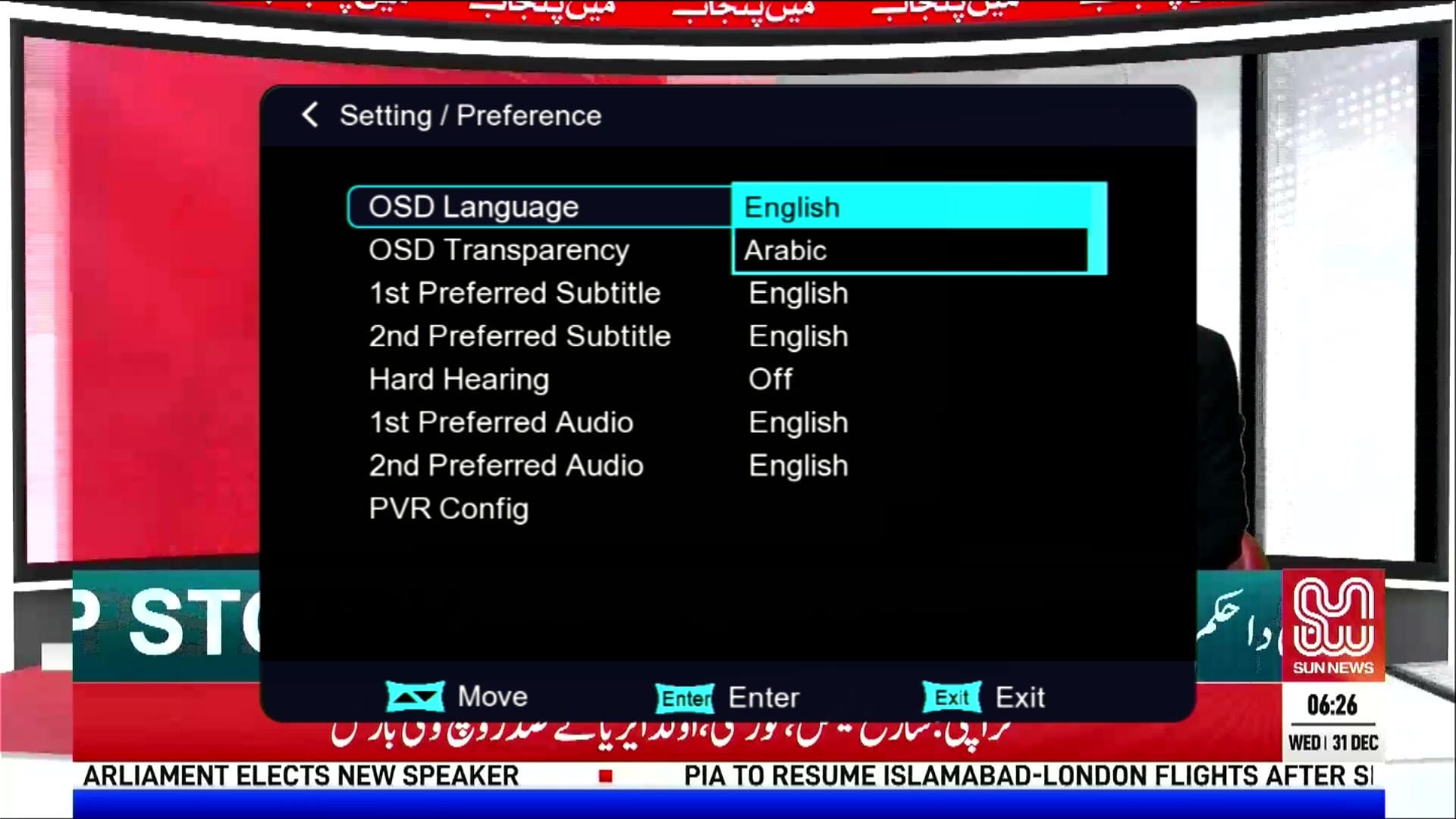
🖼 Multiple Languages Added
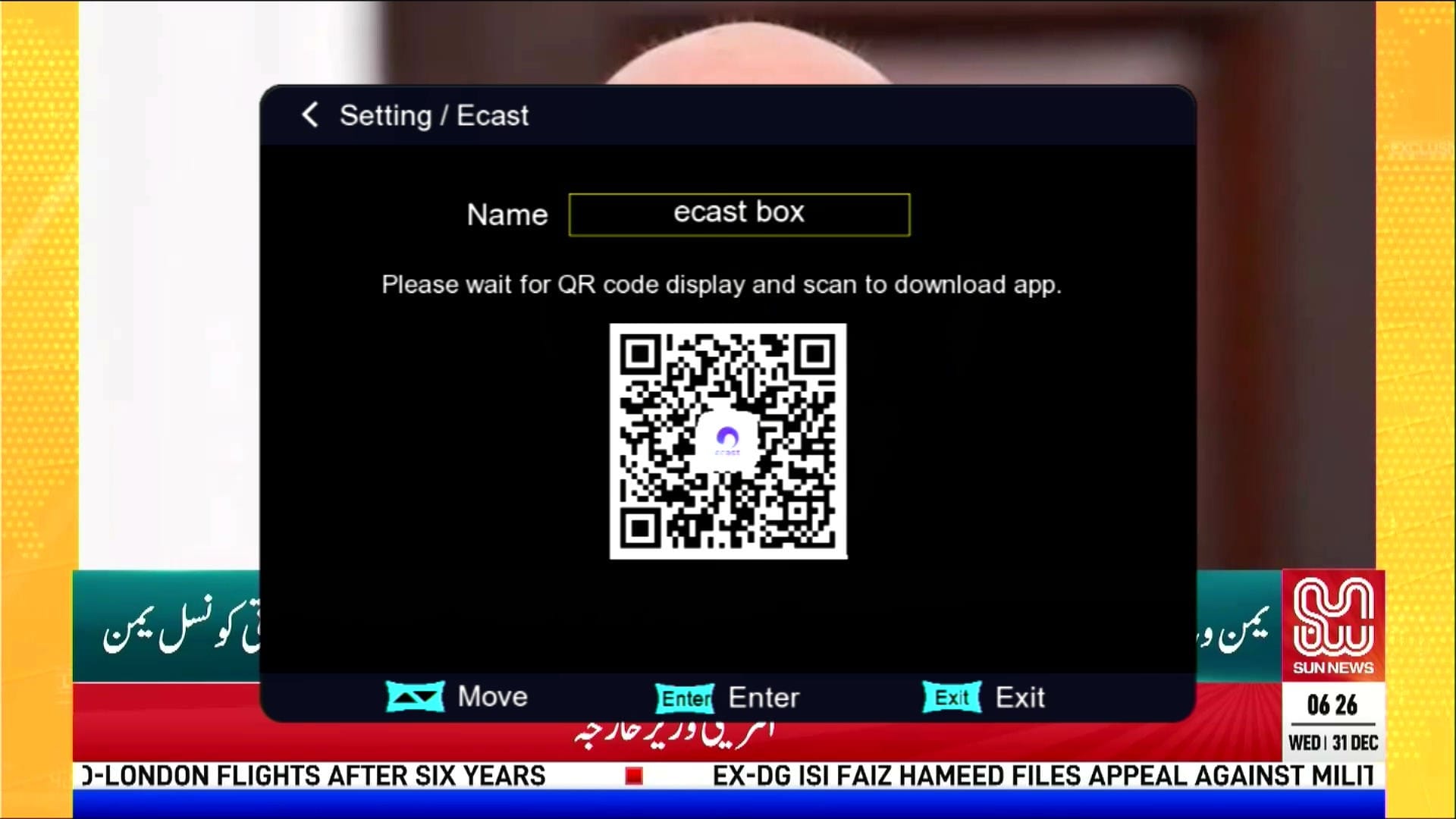
📱 E-Cast (Mobile to TV)
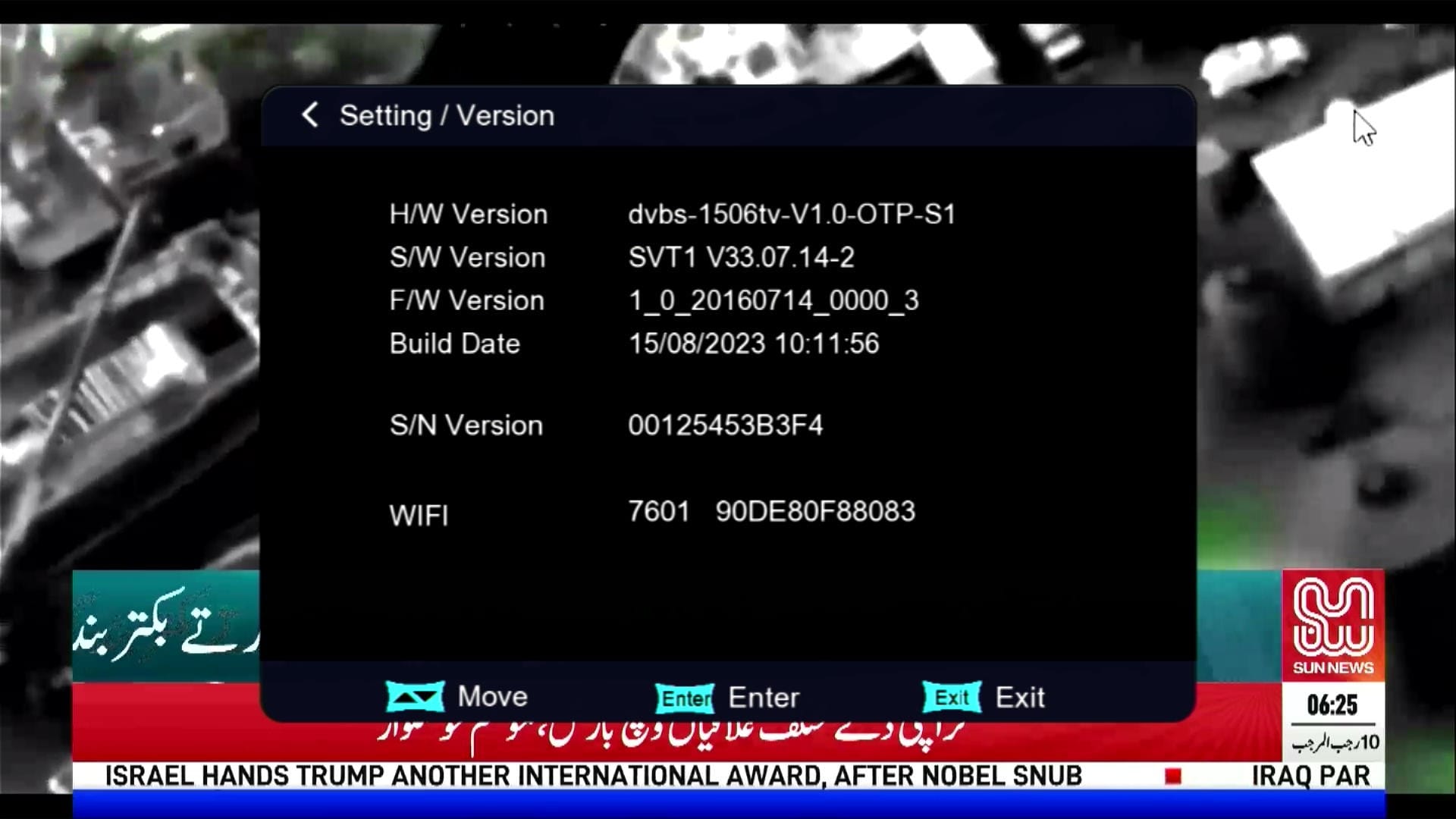
🛠 System Information
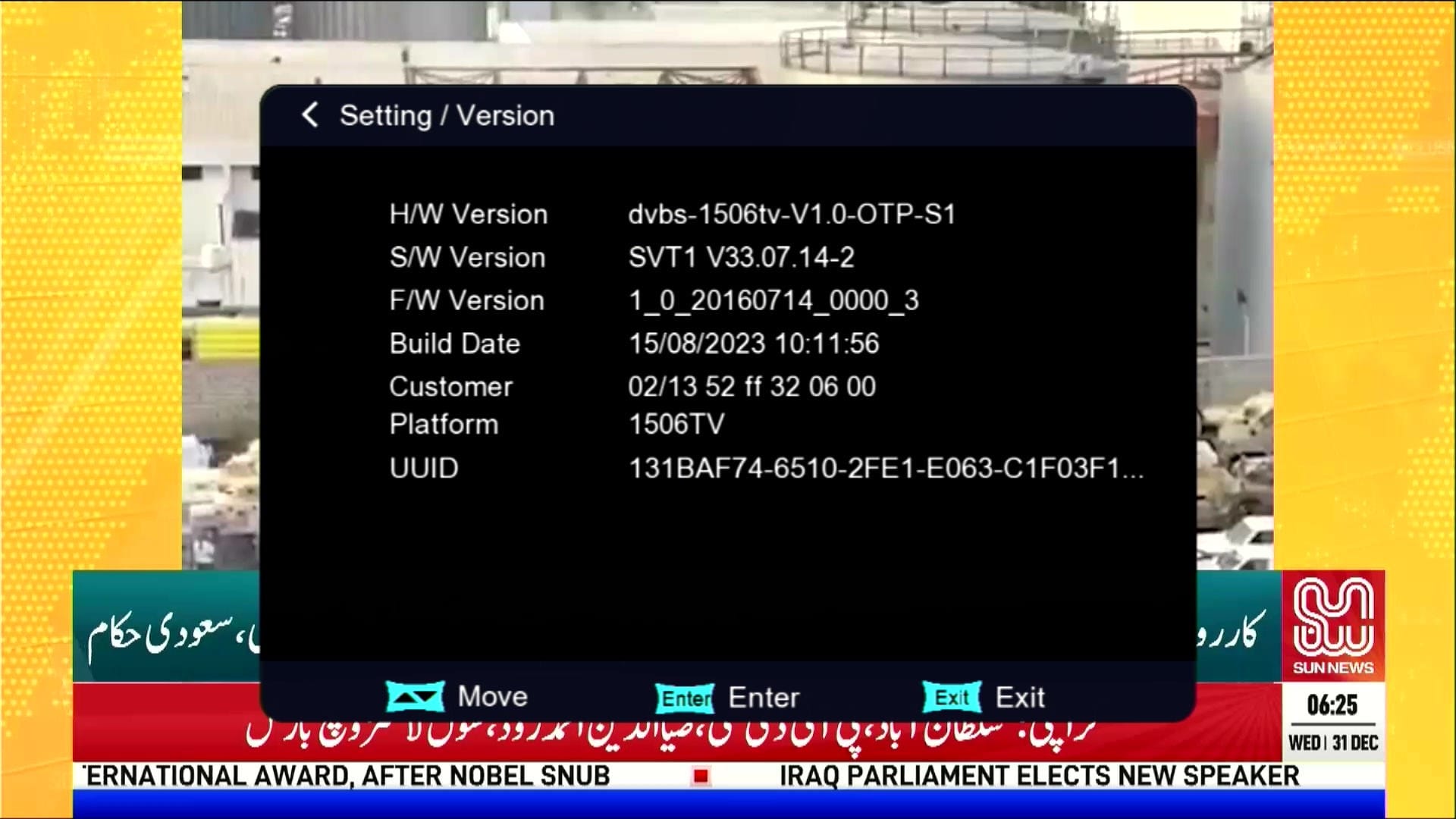
ℹ Customer ID → Press 1502
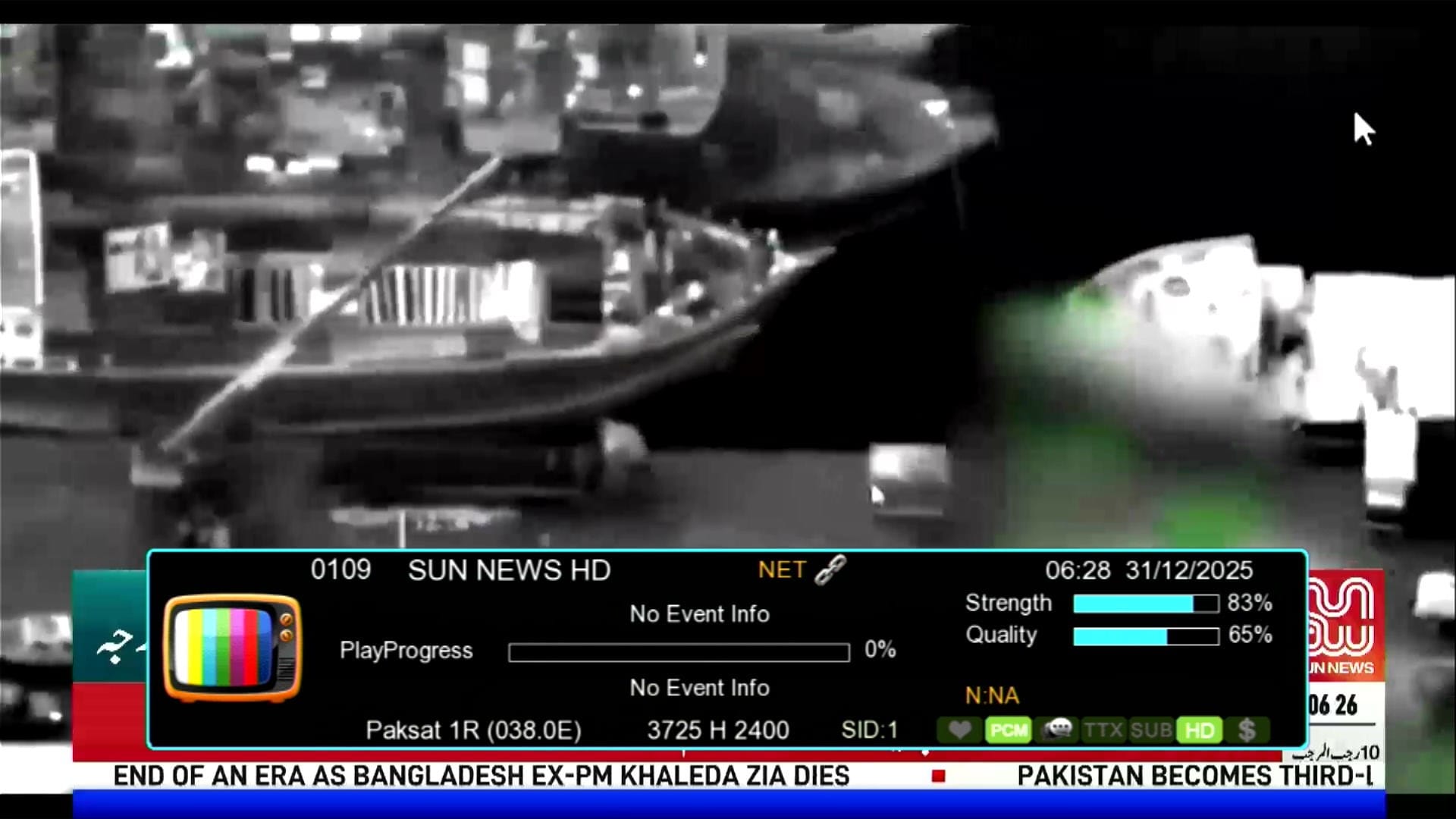
📶 Dual Signal Bars
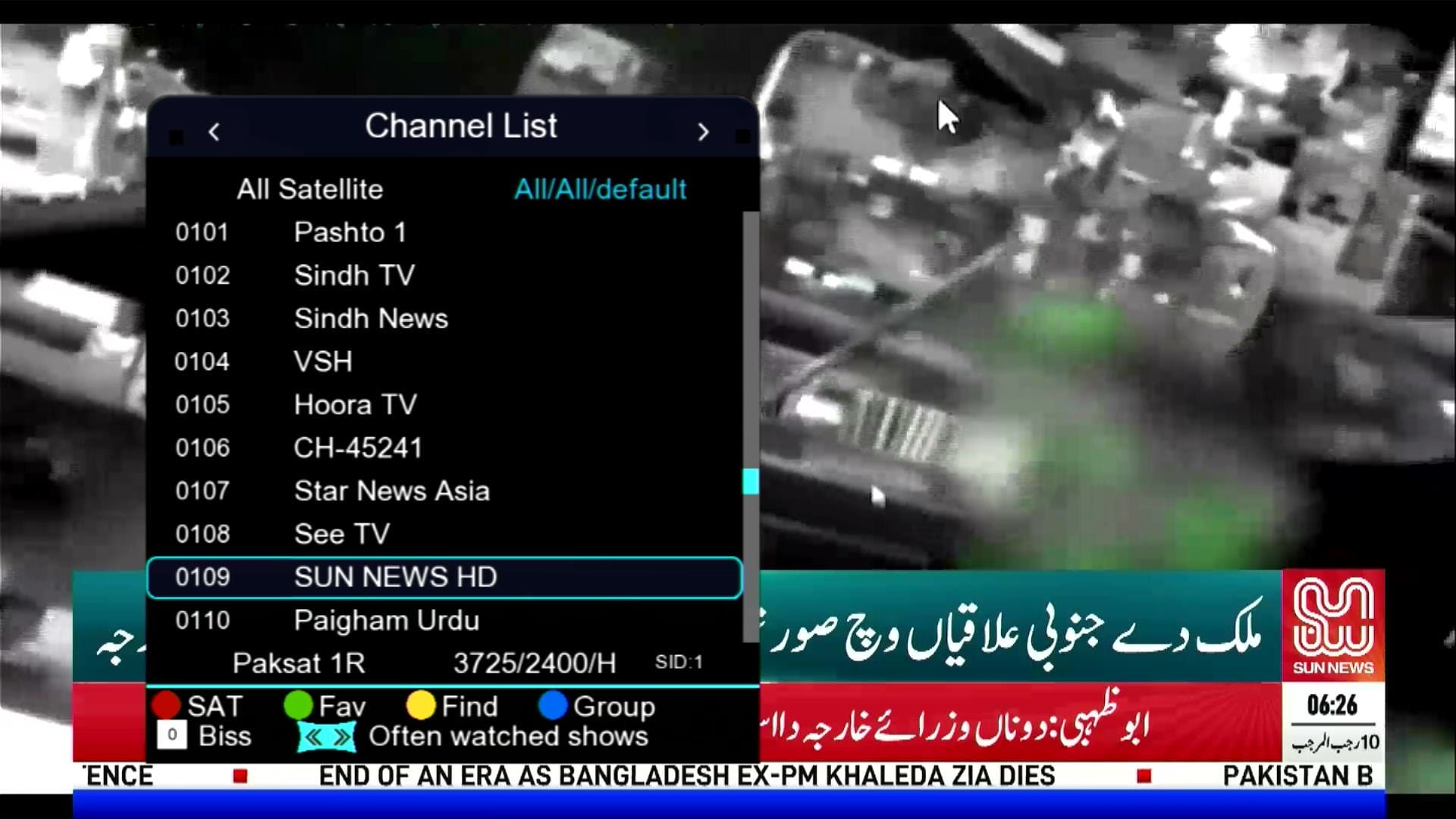
⏰ Beautiful Dialog Box
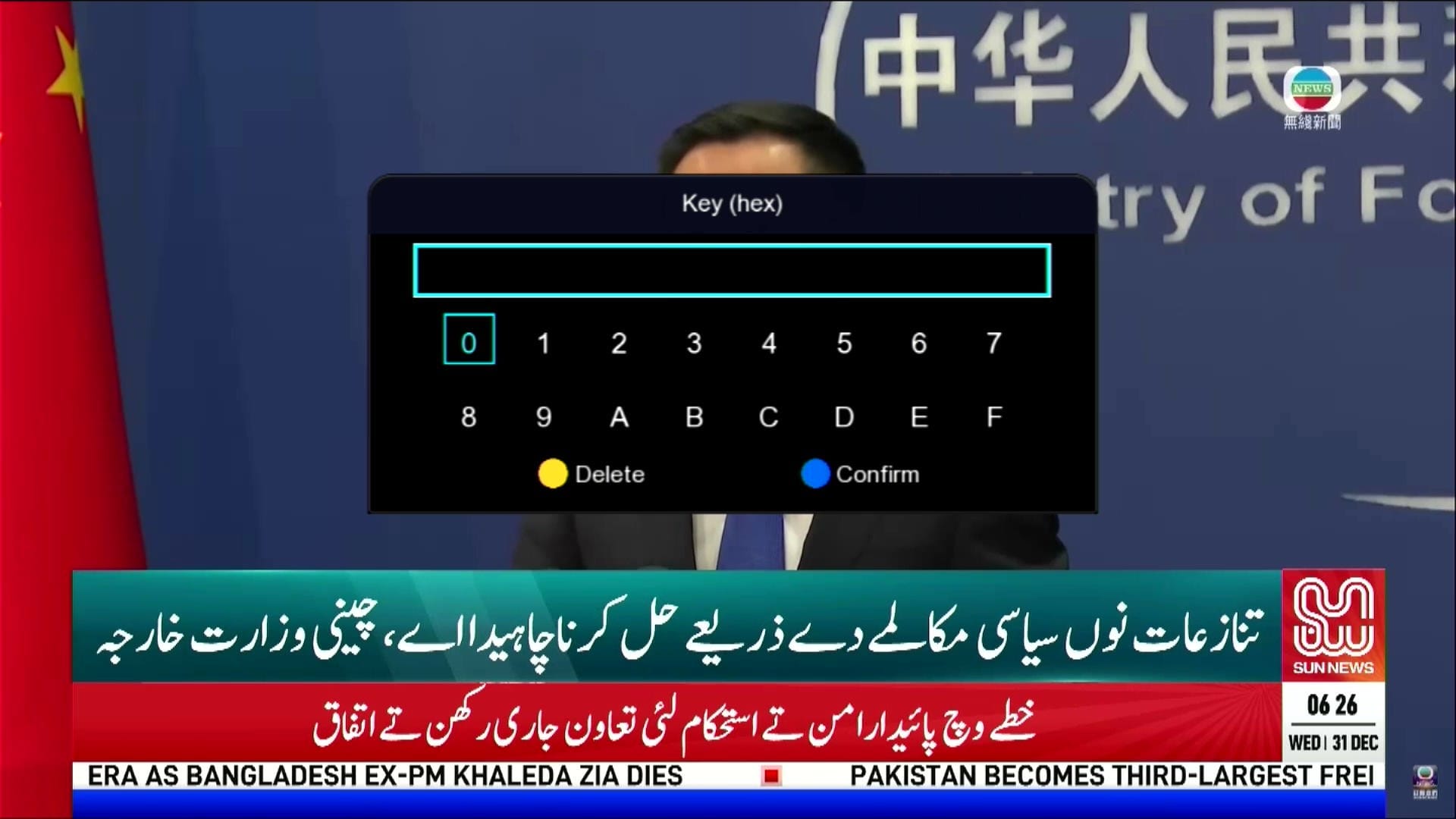
🔘 Direct BISS Key (0 Button)
×
❮
❯
![]()
⚠️ It is highly recommended to backup your current settings and channels before upgrading. Follow these steps:
- 📡 Go to the Receiver Menu > System Settings.
- 💾 Select Backup or Export Settings.
- 📂 Choose USB Drive as the backup location.
- ✅ Save the backup file safely; you can restore it if anything goes wrong during upgrade.
🎥 1506HV New Software 2025 – Video Review
💻 Upgrade Instructions (RS232 / USB)
- 🔌 Connect your 1506HV receiver with RS232 cable or USB.
- 💻 Open Loader on your PC.
- 📂 Select 1506HV New Software 2025 file according to your receiver version.
- ⚡ Start the upgrade & wait until 100% completes.
- ❌ Do not disconnect during the process.
- ✅ After completion, receiver will reboot with new software.
🎥 RS232 Upgrade Video
📥 1506Hv New Software 2025
Click the button below to download the latest 1506Hv New Software 2025 for free.
⭐ Verified Firmware by MAST Dish Info Layyah ⭐
📁 File Details
⚙️ Processor:
🛠️ SW Version:
💾 File Size:
⬇️ Downloads:
👤 Uploader:
⚠️ Report:
✅ Safe & Tested Software Download


![Montage CS8001 Receiver RS232 Upgrade | Flash Software via Serial Cable [Urdu / Hindi Tutorial]](https://lh3.googleusercontent.com/blogger_img_proxy/AEn0k_tnaDxhGZ0EL9wms09CzHzMDEr0F03N3Ptx89lN1rUZbHGqTDtgEmKv10WpAJRTPSXQjugbDLqylAWXep3ABElOghB7f45pvKAlQyGcl85MDEcpOJ_67_3MwgreQXSXVHehioe4cRI83krqM0FFwPOYGxK7YA=w680)

0 Comments