🔥 What's New in This 1506Hv New Software?
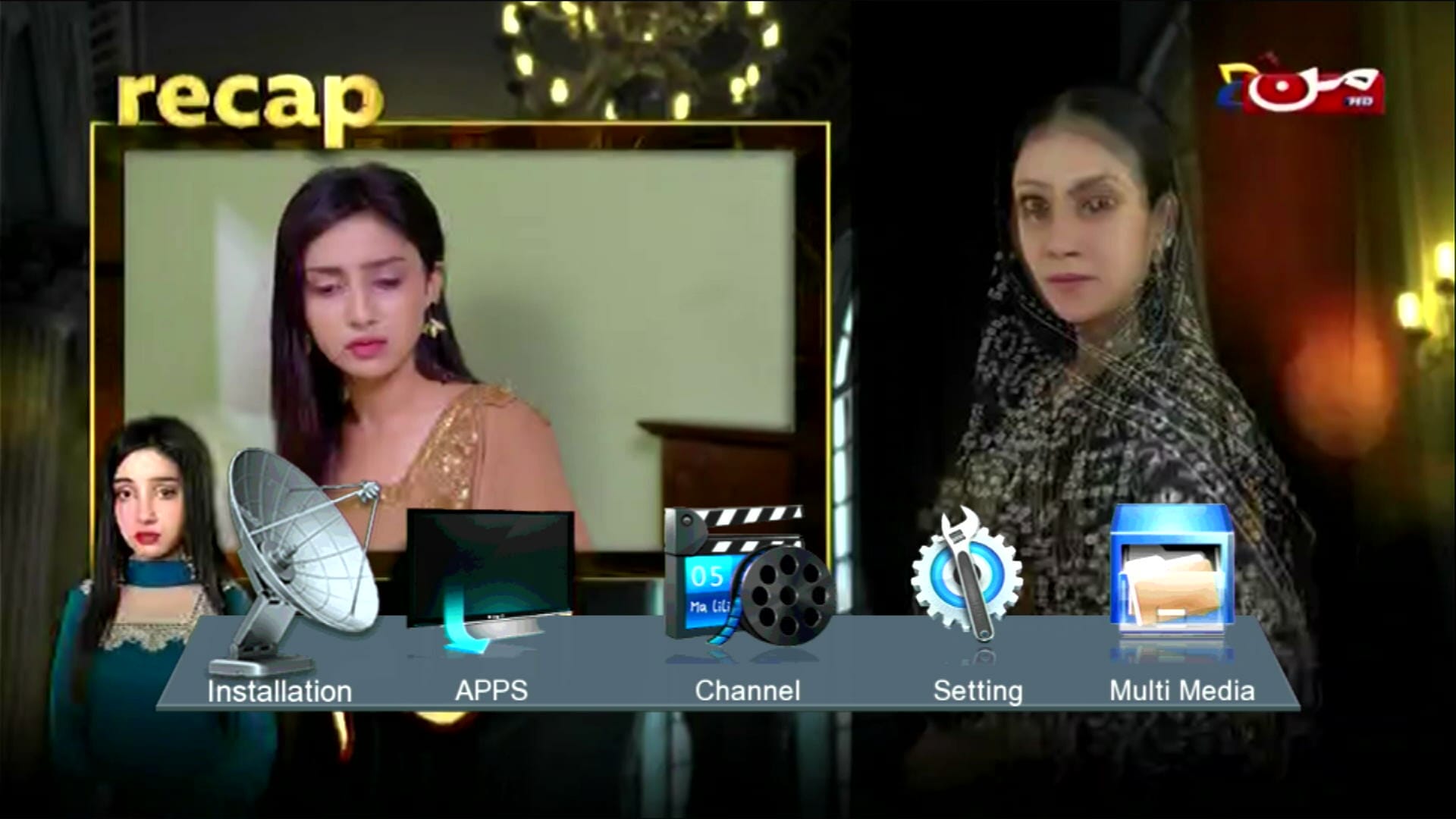
Modern & Stylish Menu Design
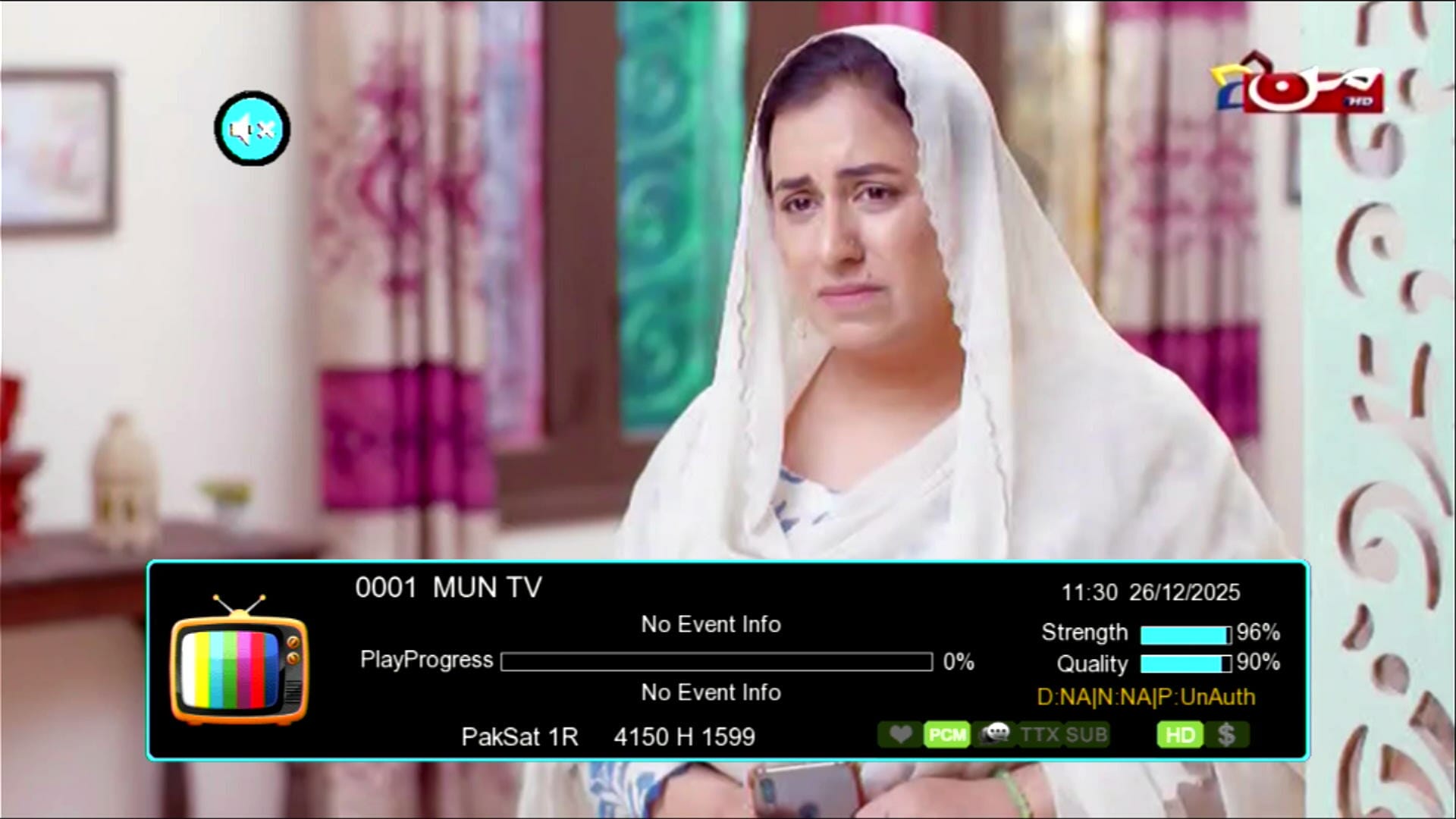
Signal Indicator with Two Zoom Strips
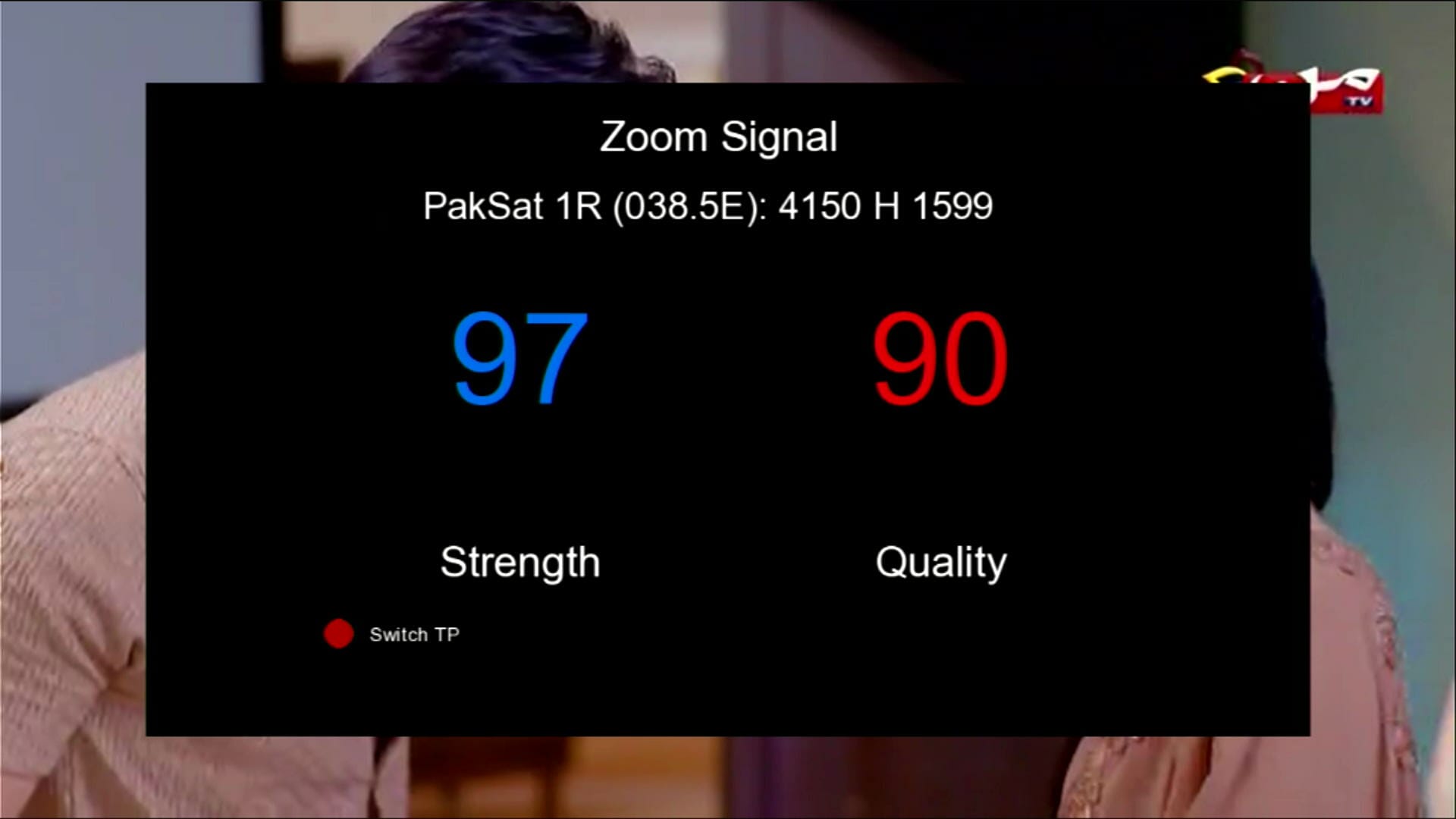
Signal Indicator in Big Digits
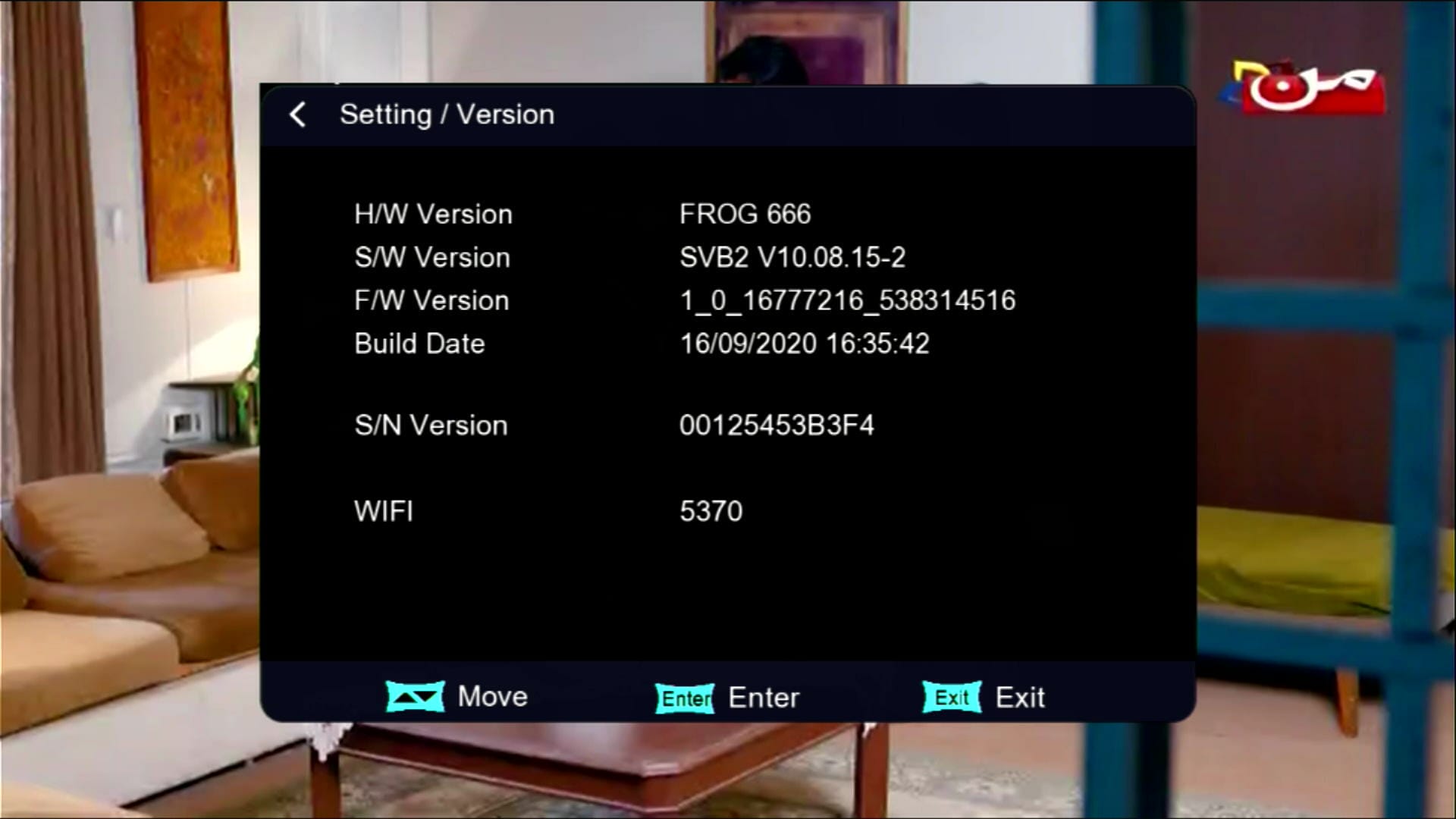
Updated System Information
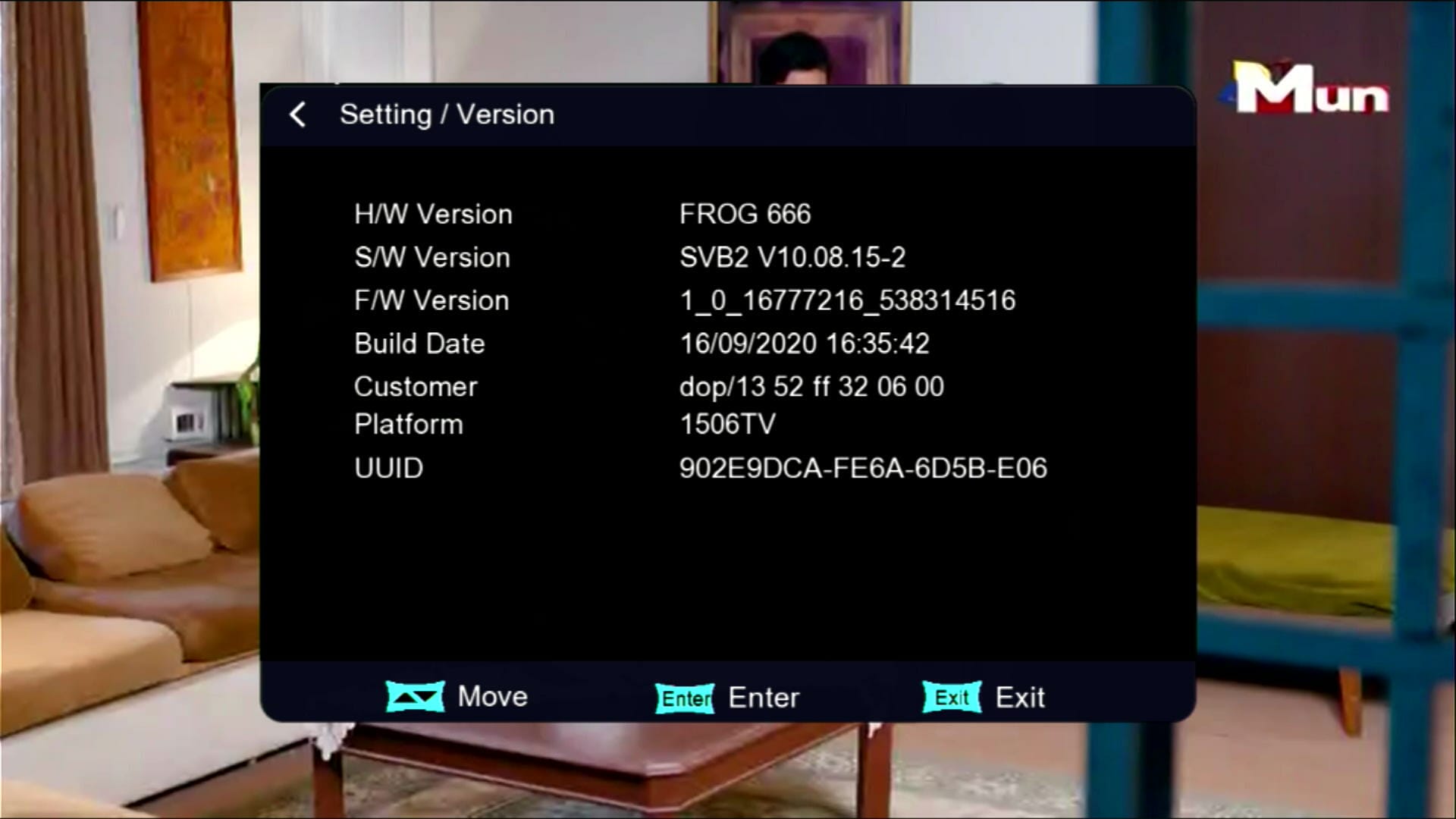
Press 1502 Customer ID in System Information
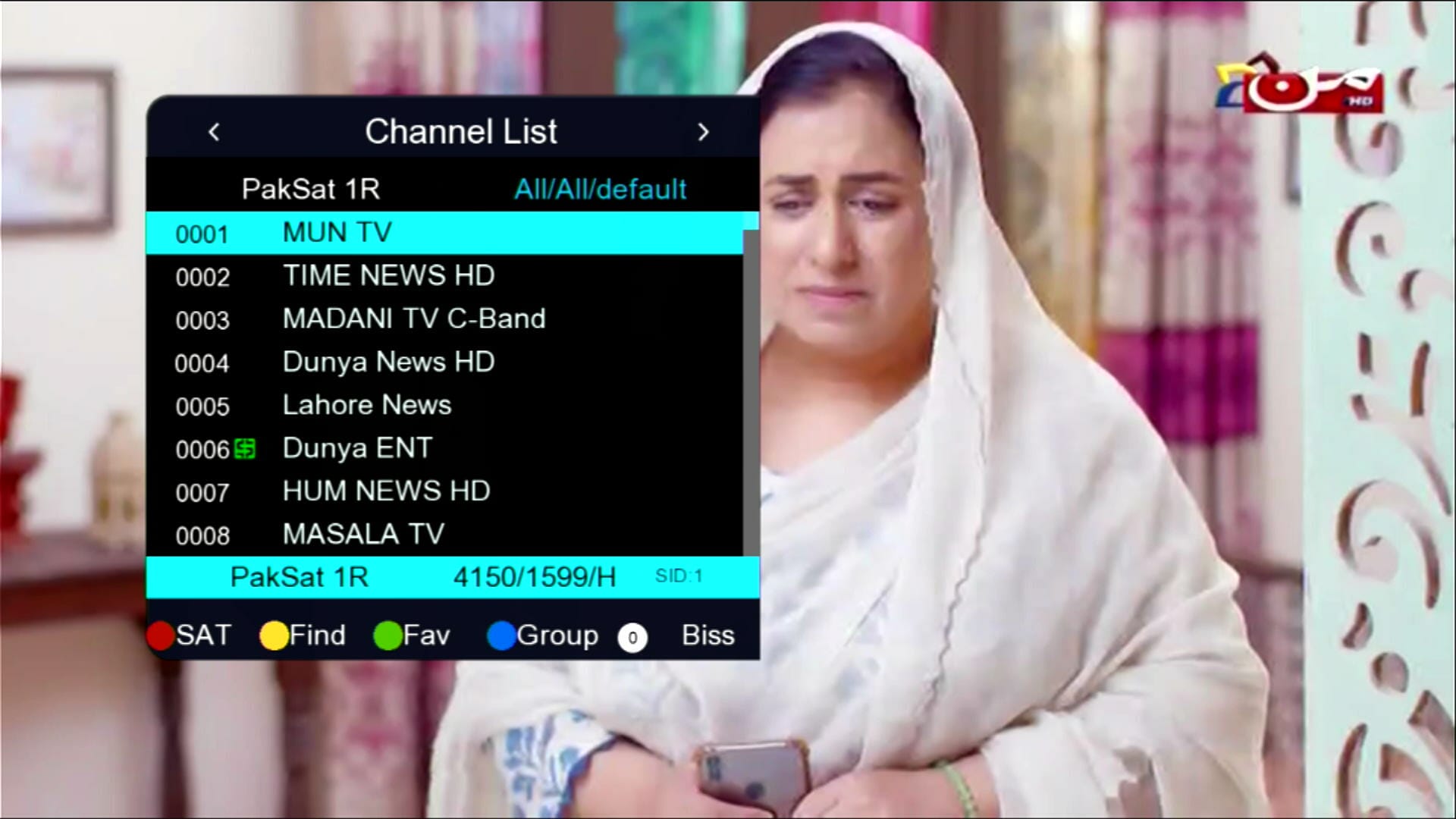
Beautiful Channel Dialogue Box
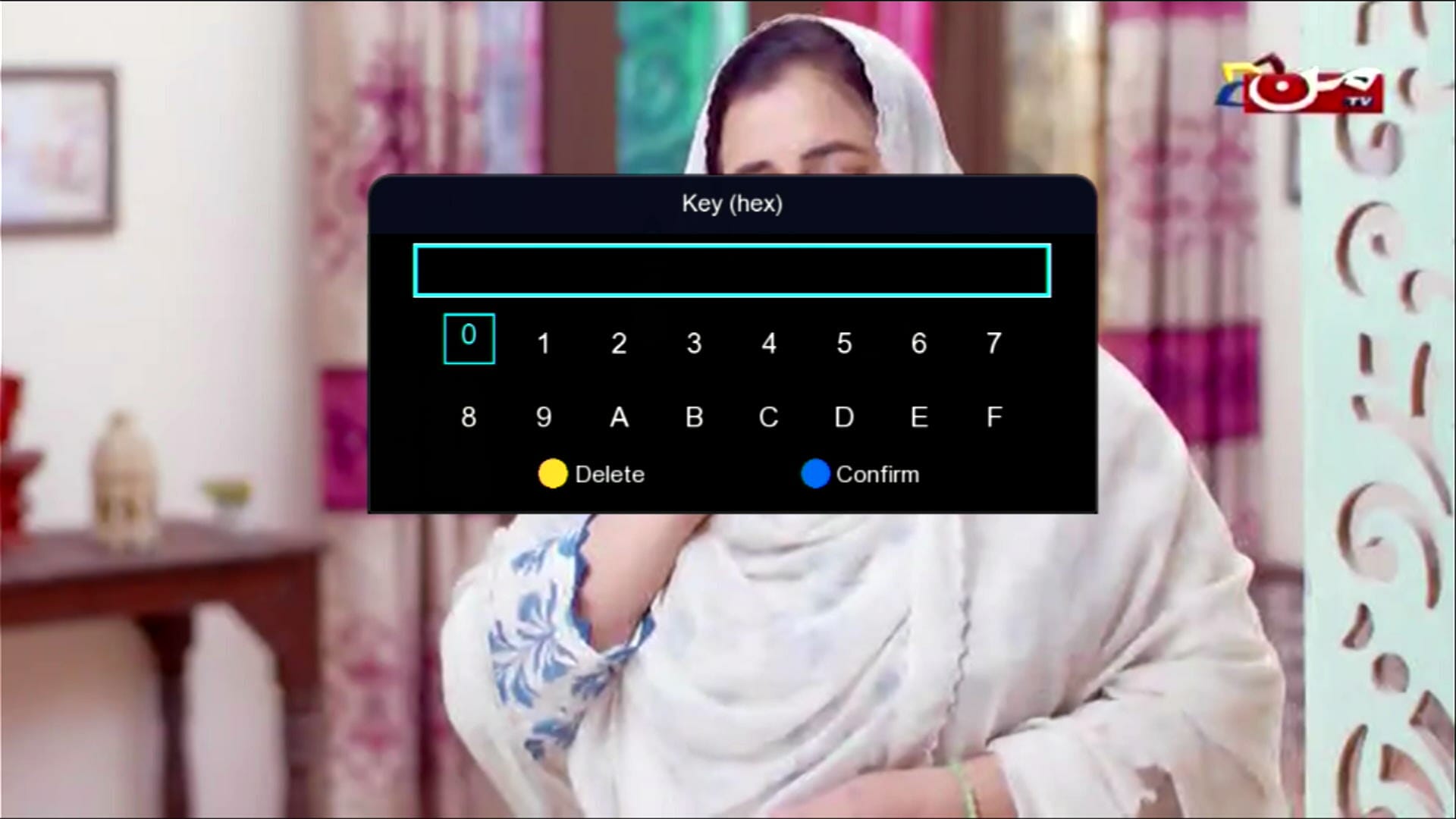
BISS Key Add Direct with 0 Button
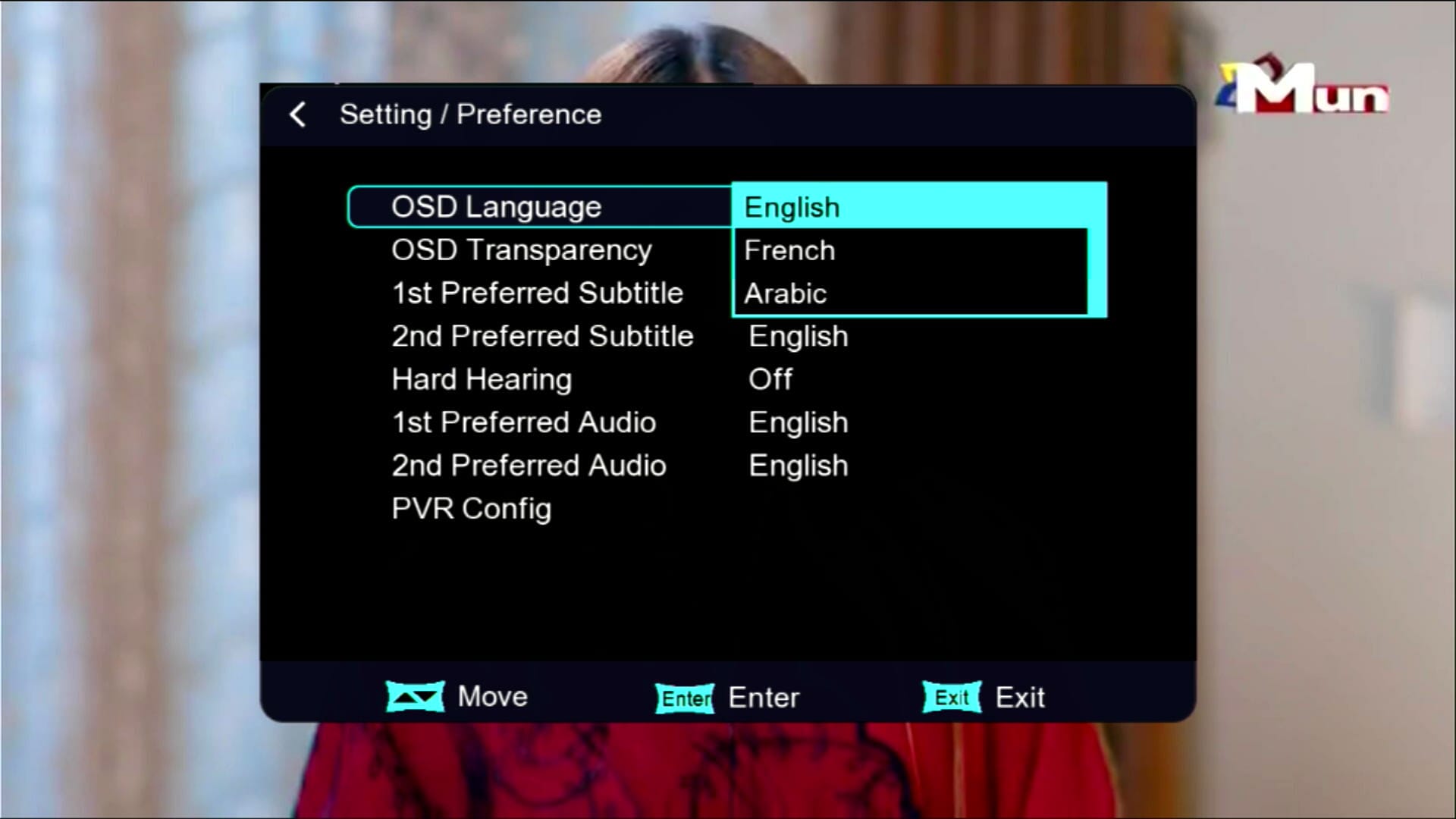
Multi Languages Added
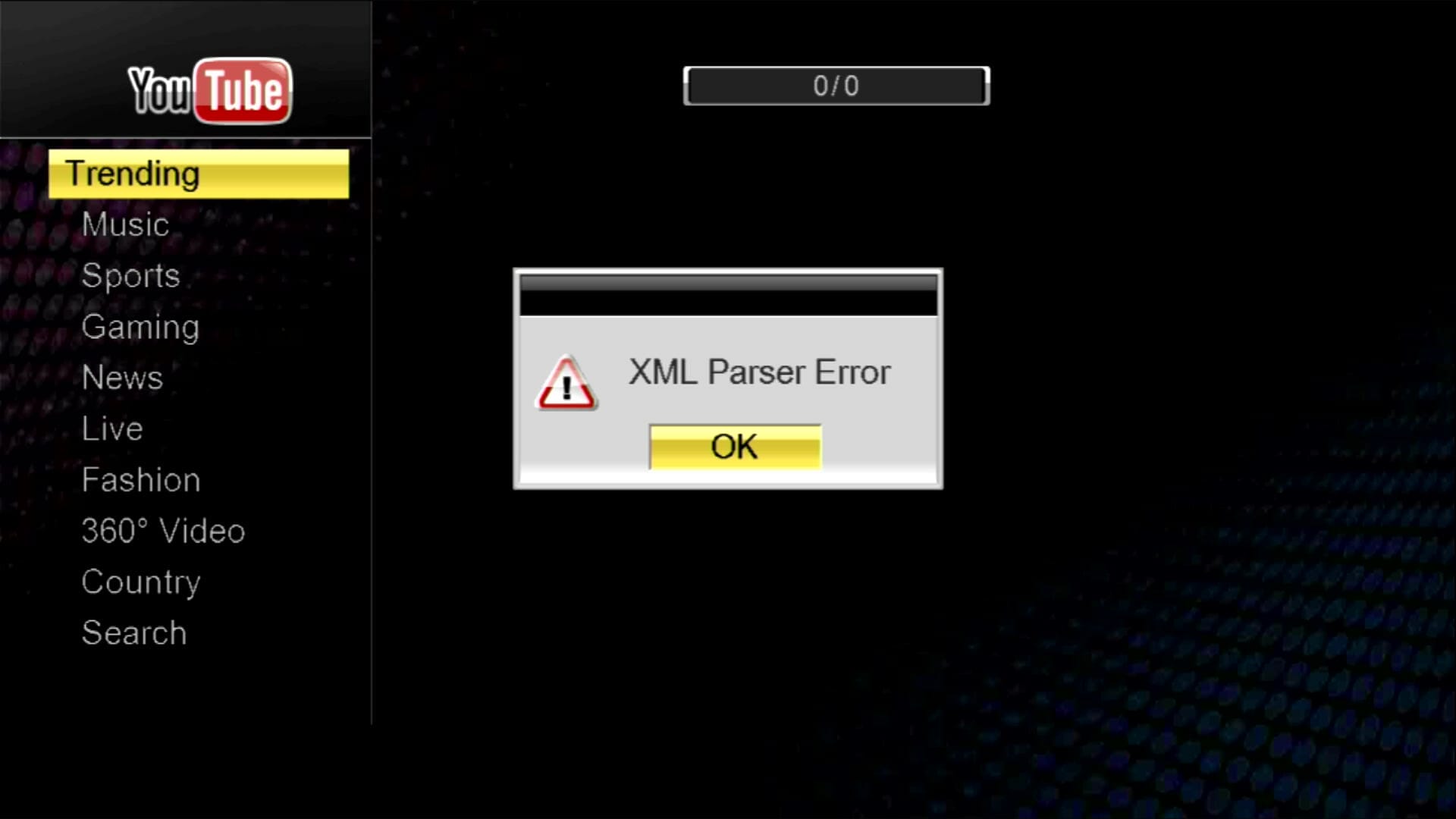
YouTube & YouTube Kids NOT Working
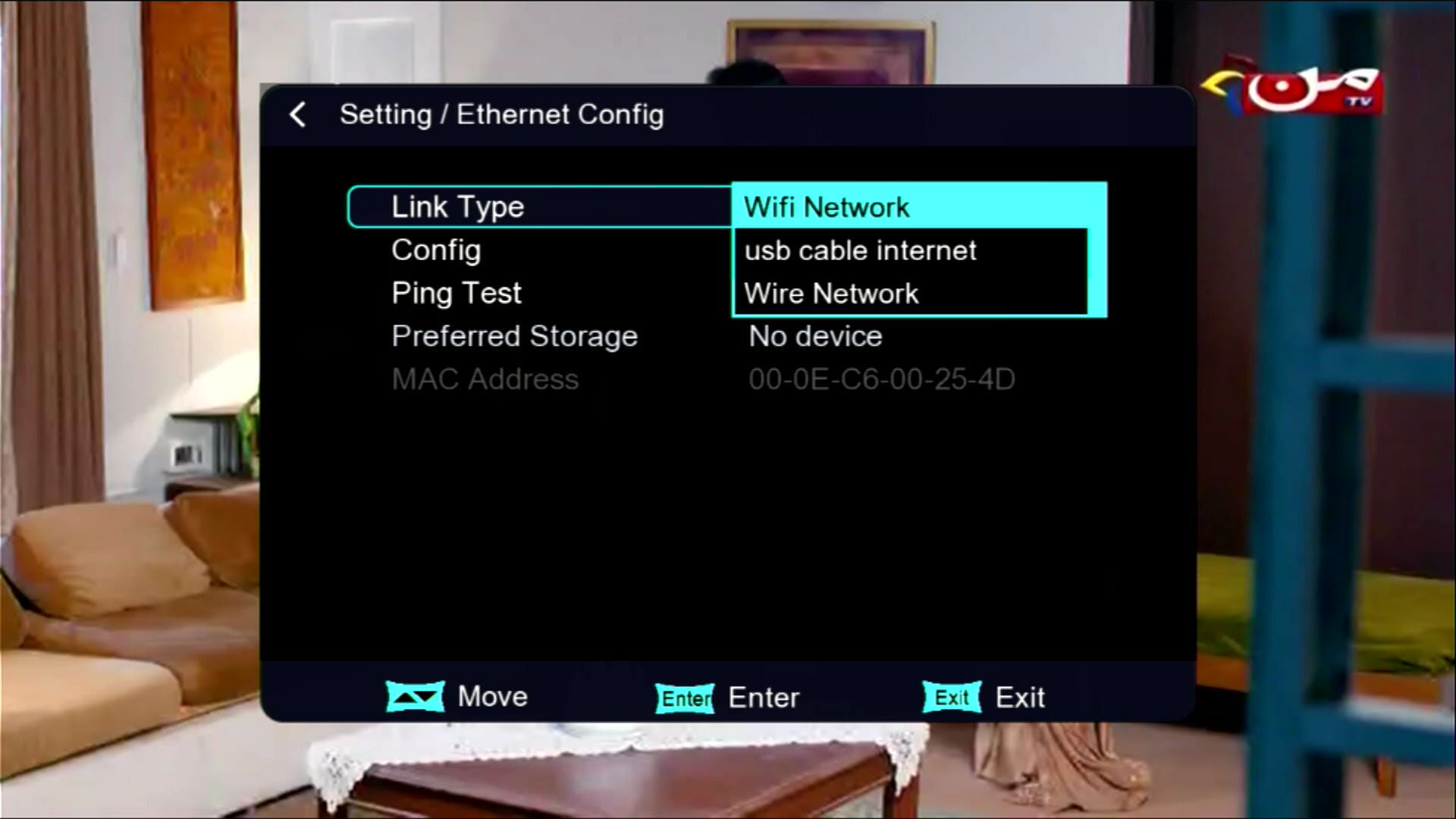
These are Networking Option
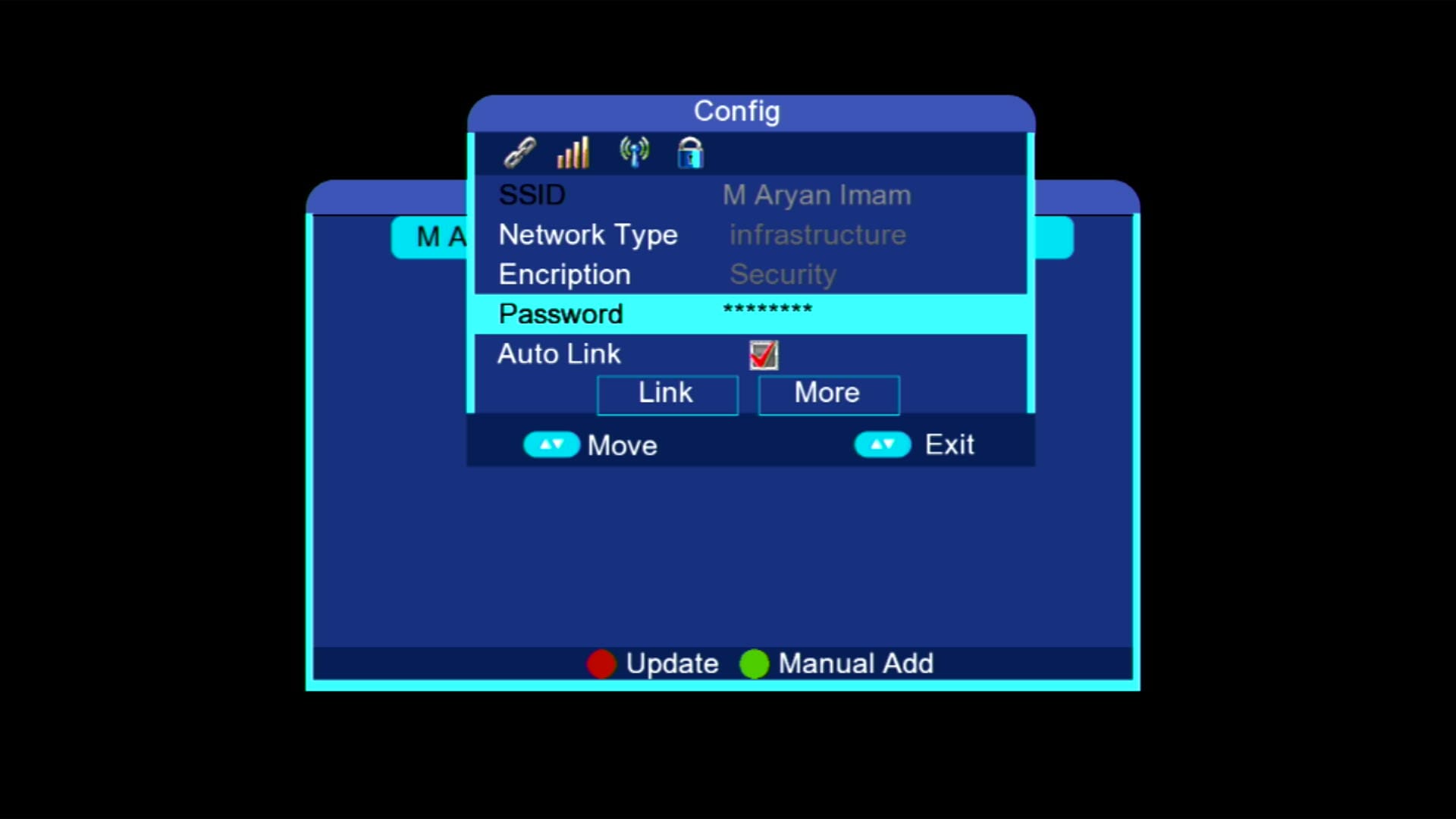
Wi-Fi catcher Only RT-5370
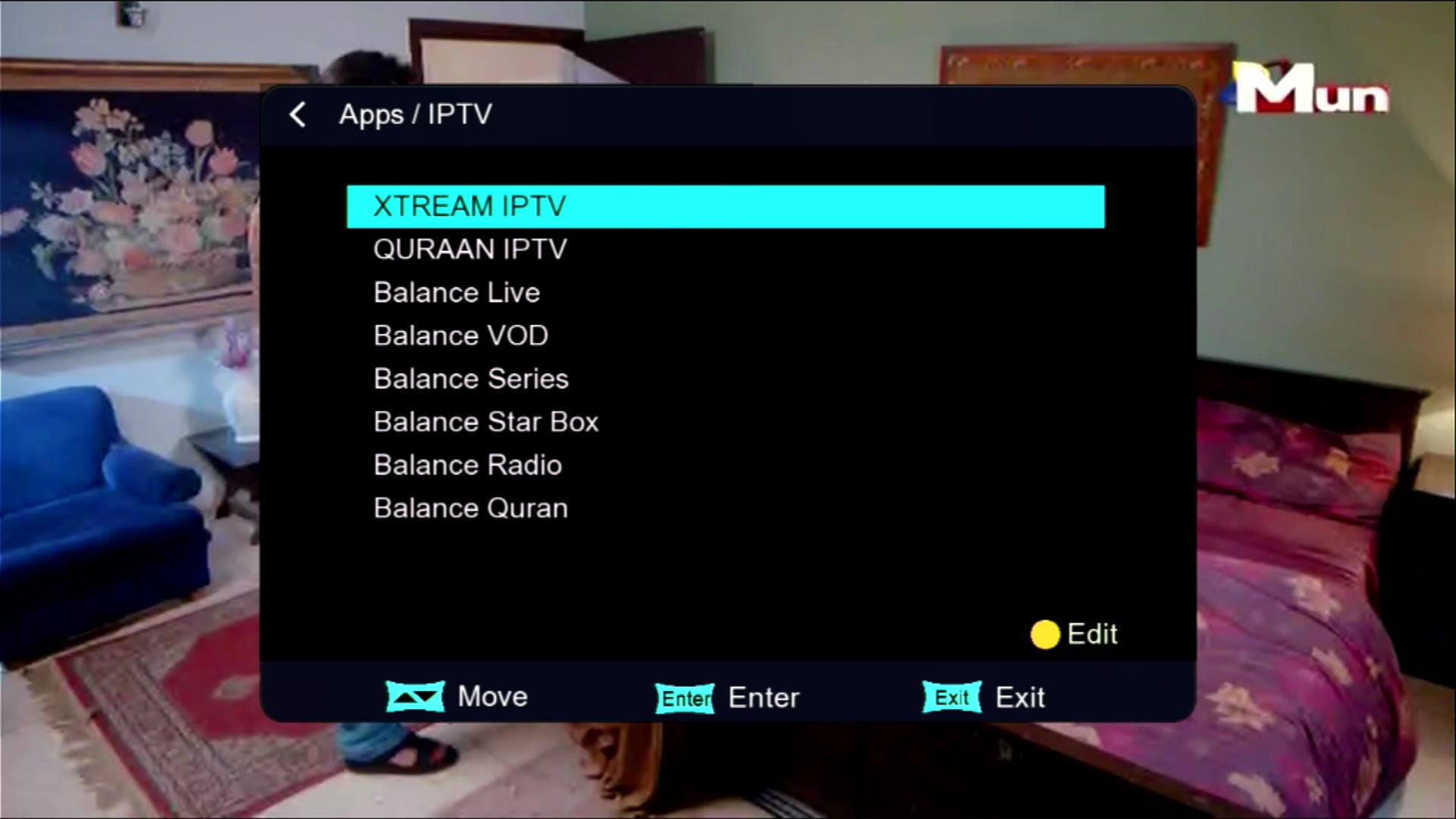
IPTV & Multiple Apps Added
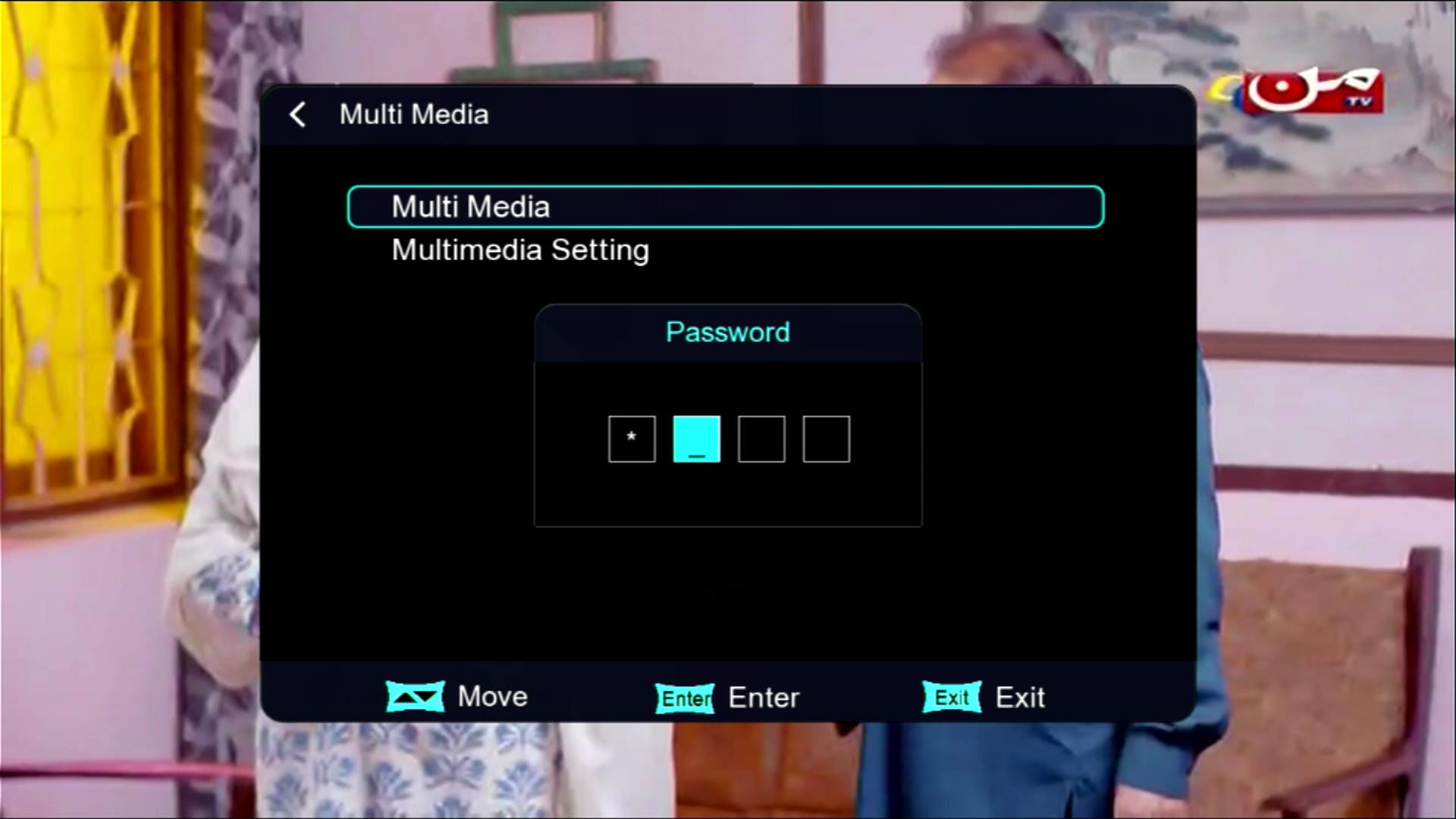
Hidden Menu (Press 1506)
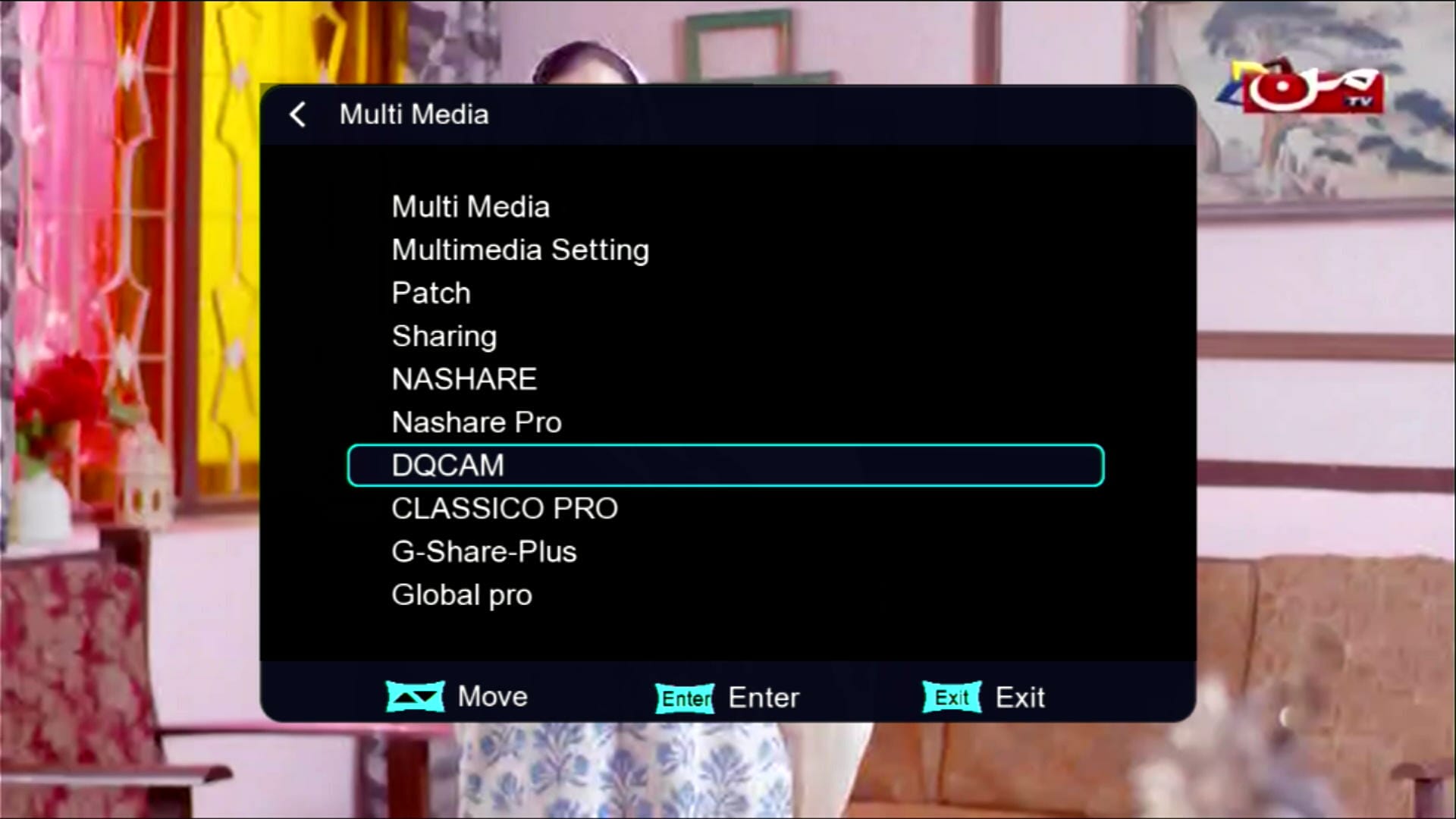
Multimedia Option
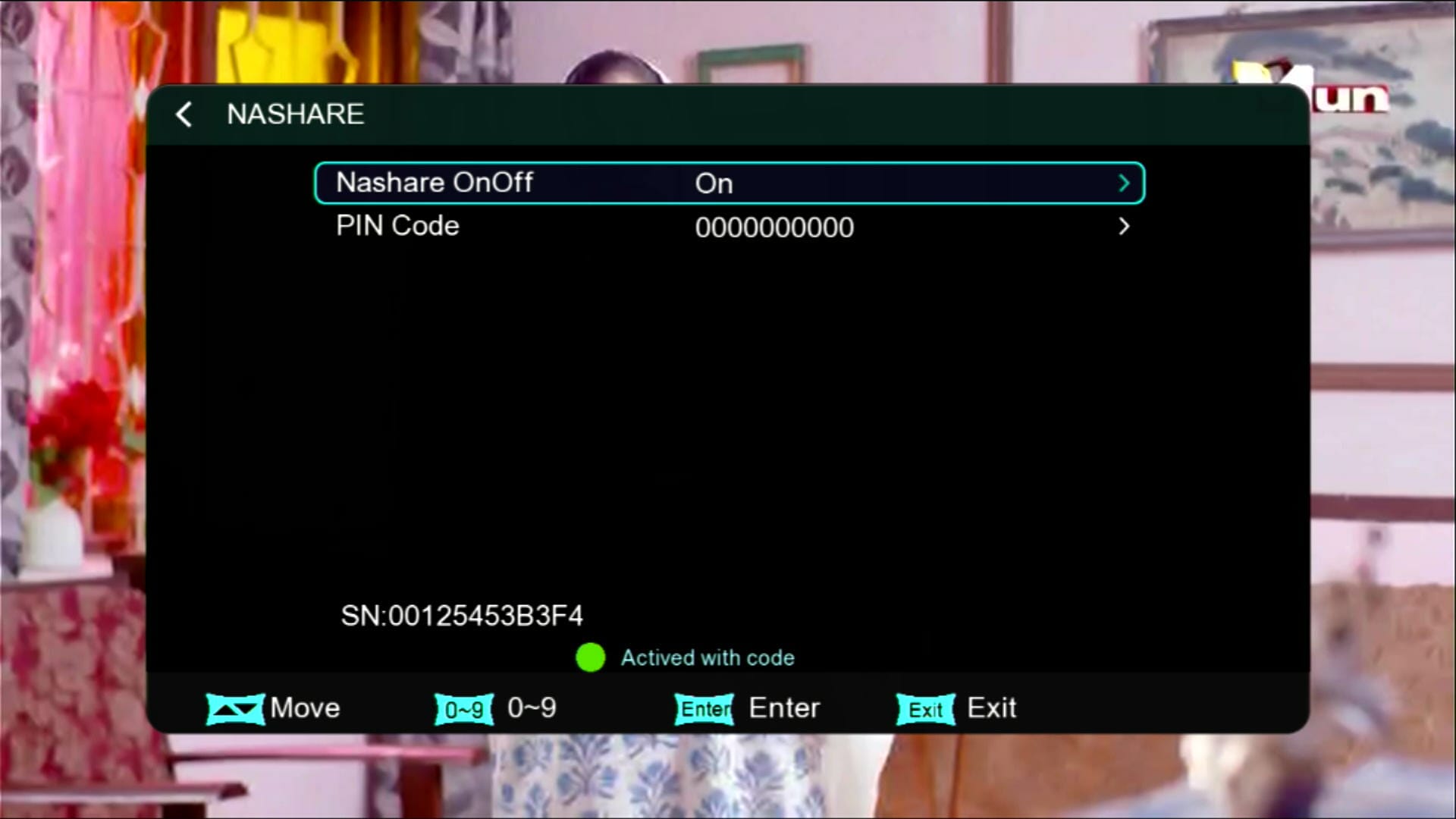
Nashare Option
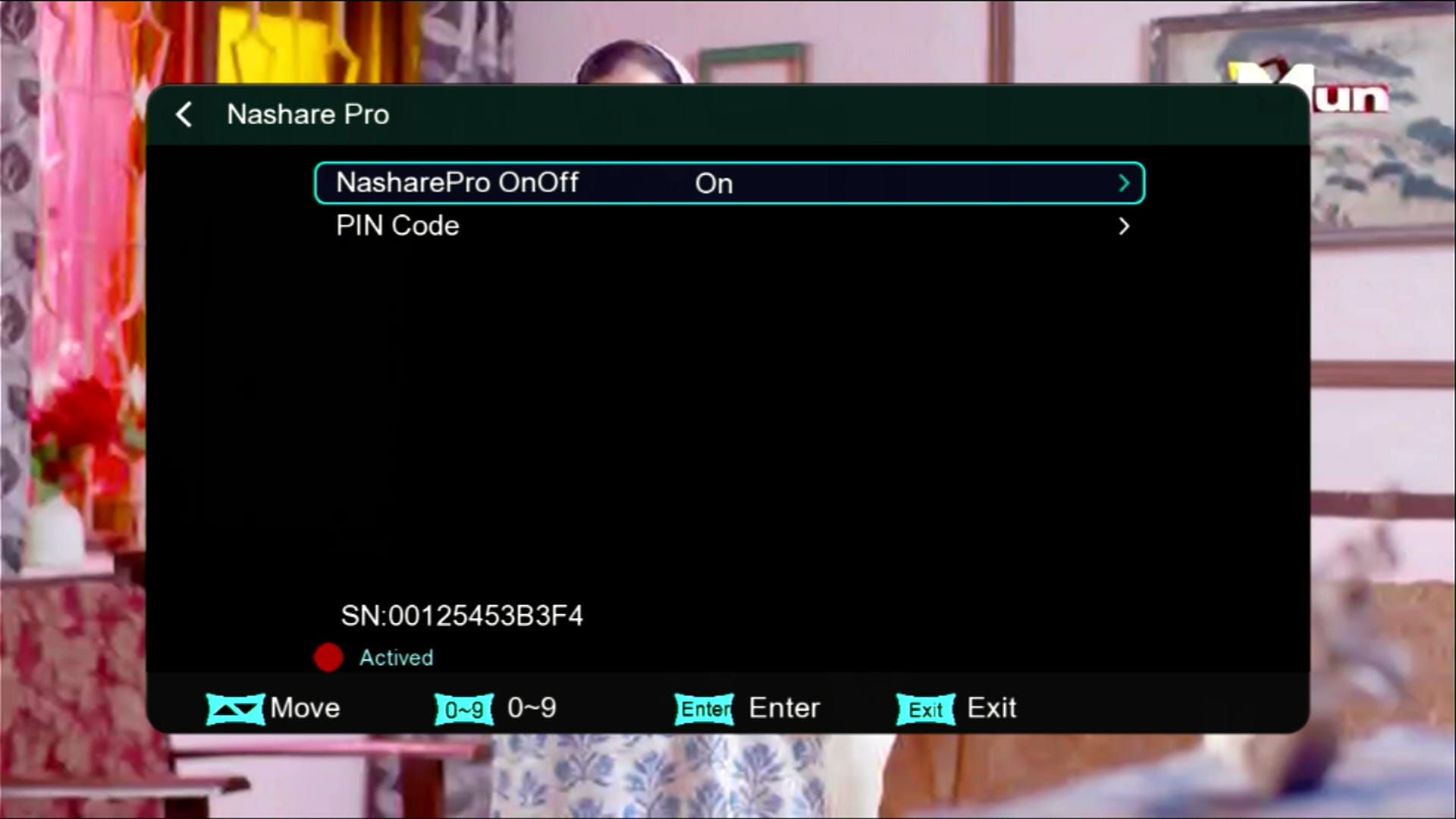
Nashare Pro
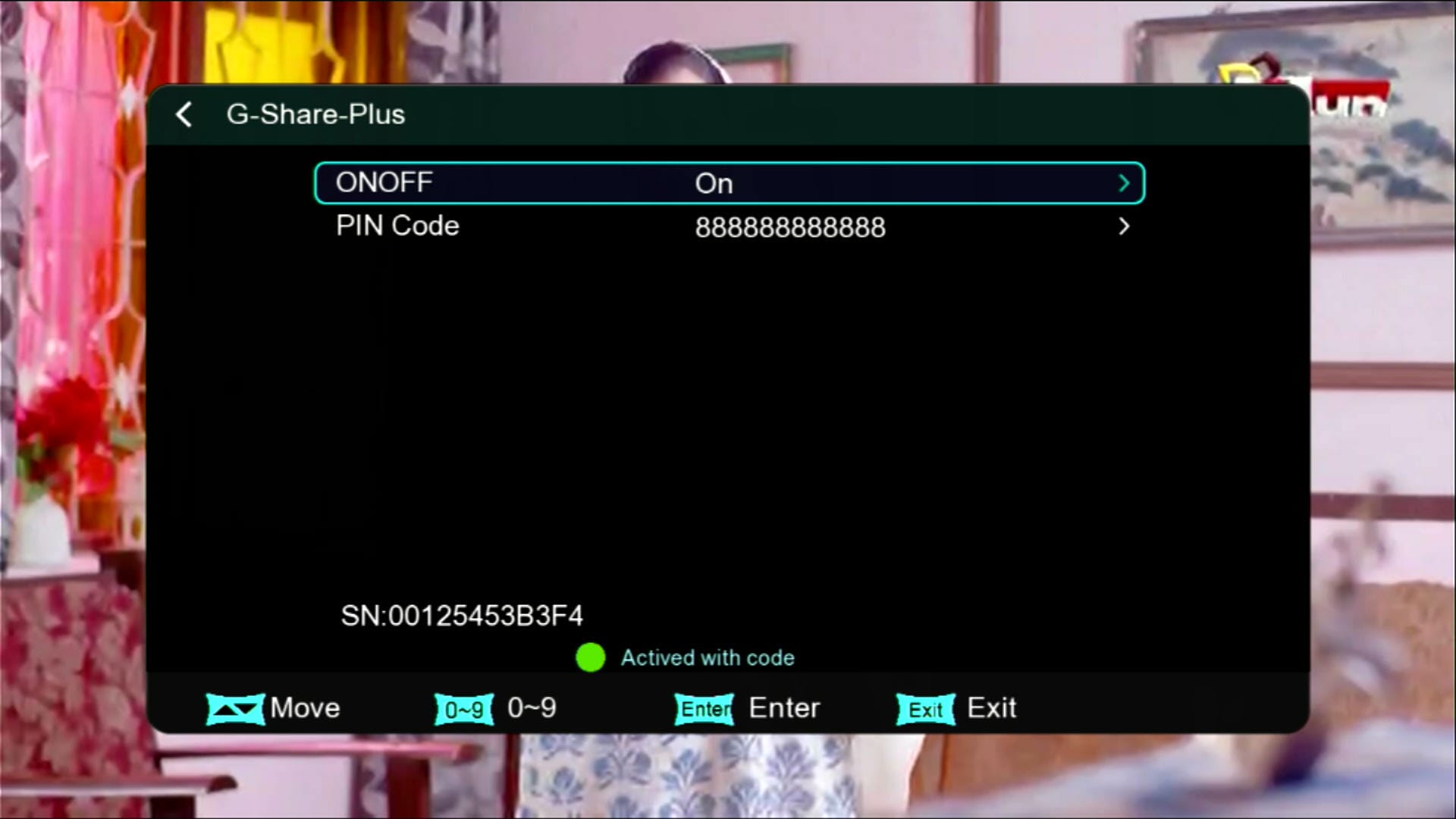
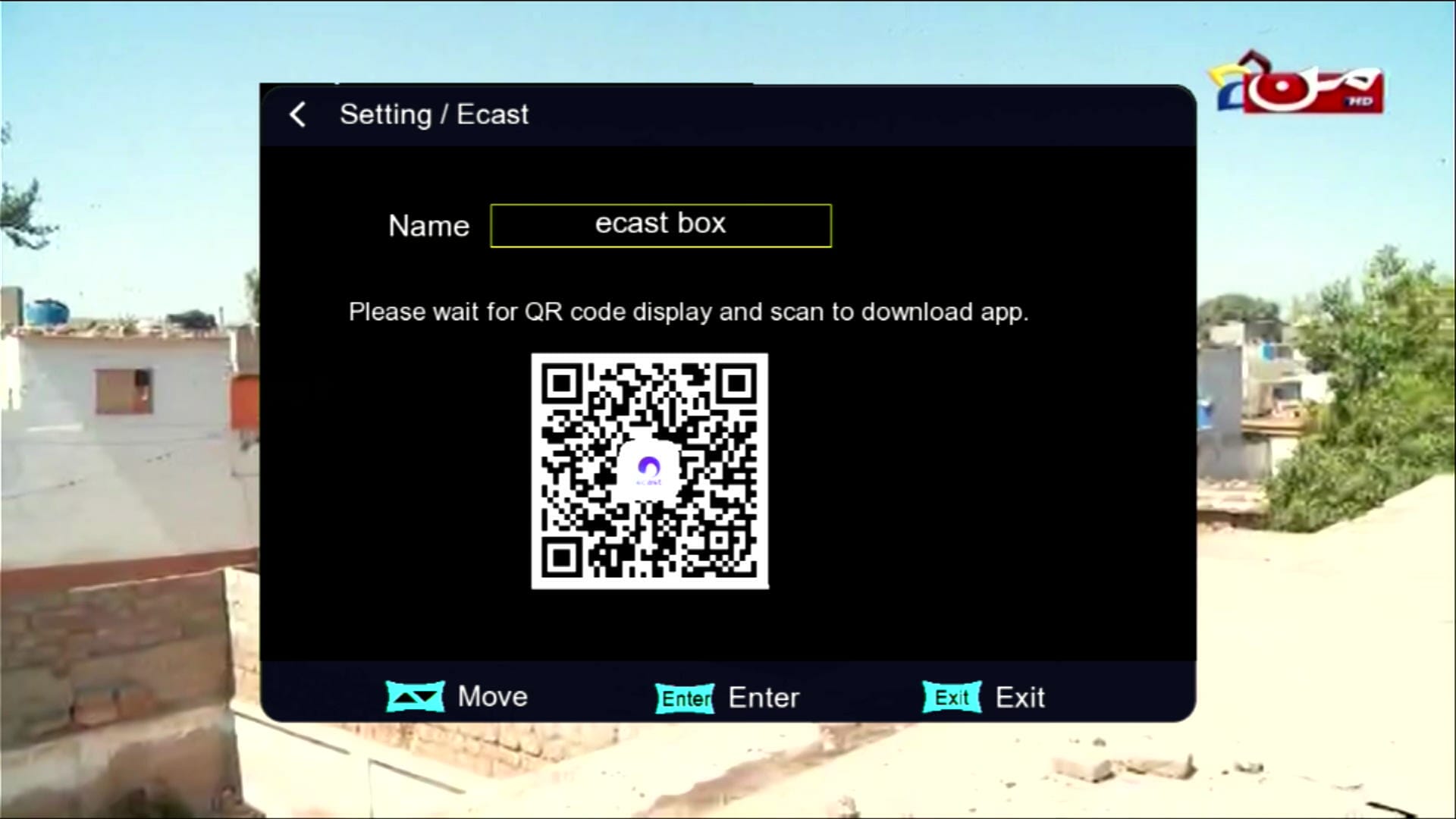
E-Cast Feature
×
❮
❯
![]()
⚠️ It is highly recommended to backup your current settings and channels before upgrading. Follow these steps:
- 📡 Go to the Receiver Menu > System Settings.
- 💾 Select Backup or Export Settings.
- 📂 Choose USB Drive as the backup location.
- ✅ Save the backup file safely; you can restore it if anything goes wrong during upgrade.
🎥 1506HV New Software 2025 – Video Review
💻 Upgrade Instructions (RS232 / USB)
- 🔌 Connect your 1506HV receiver with RS232 cable or USB.
- 💻 Open Loader on your PC.
- 📂 Select 1506HV New Software 2025 file according to your receiver version.
- ⚡ Start the upgrade & wait until 100% completes.
- ❌ Do not disconnect during the process.
- ✅ After completion, receiver will reboot with new software.
🎥 RS232 Upgrade Video
📥 1506Hv New Software 2025
Click the button below to download the latest 1506Hv New Software 2025 for free.
⭐ Verified Firmware by MAST Dish Info Layyah ⭐
📁 File Details
⚙️ Processor:
🛠️ SW Version:
💾 File Size:
⬇️ Downloads:
👤 Uploader:
⚠️ Report:
✅ Safe & Tested Software Download


![Montage CS8001 Receiver RS232 Upgrade | Flash Software via Serial Cable [Urdu / Hindi Tutorial]](https://lh3.googleusercontent.com/blogger_img_proxy/AEn0k_uuIkUPXHzhLKrh4f9UVhIQmT_ZGOXbKaGwIV2hNZyt1Mf-R0zxsck-GVlK9ZogzWK8RZr9cB2ANC69SHg0ou3tm1ru2oTmJIfDwFFwY64uzQWEtbark8HcYUzlEizY1ZBD7oTMTWN4Xbp90SLyPUObHS_KXA=w680)

0 Comments